
iPhone Screenshots
Description
Extract files from RAR archives, including password-protected ones. Create and manage RAR files with custom compression levels. Split files into multiple parts and set save locations. Add files to existing archives.
RAR Archiver
Key Features:
1 Extract files from RAR files, uncompress password-protected RAR files.
2 Create RAR files.
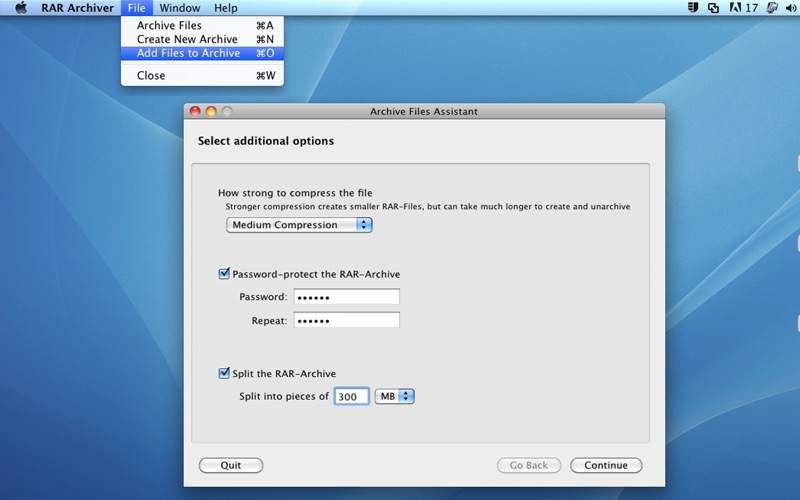
3 Create multiple part RAR files.
4 Create password-protected RAR files.
5 Custom compression level.
6 Add files to existing RAR file.
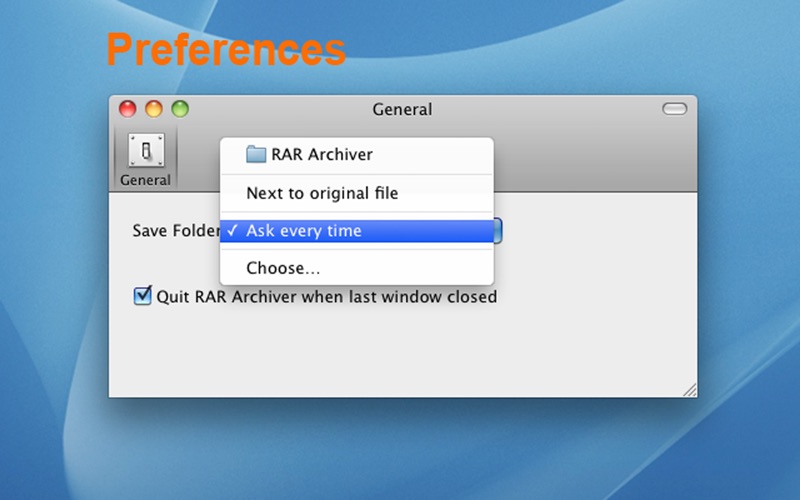
7 Custom save location.
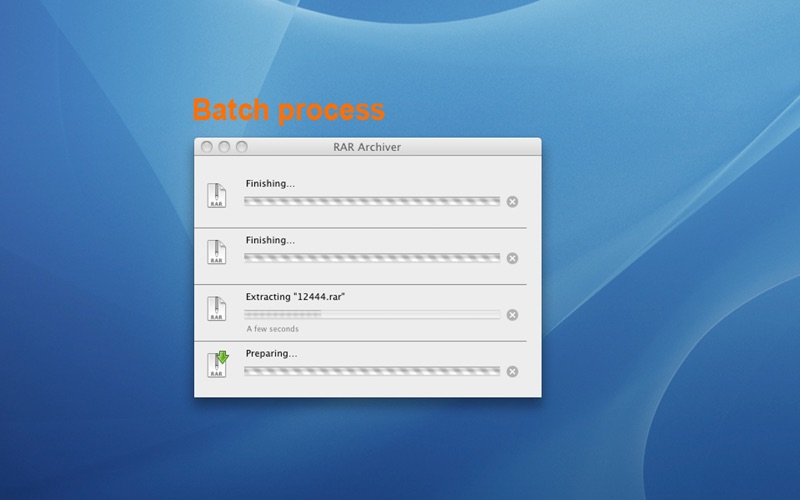
8 Batch extracting.
9 You determine whether to quit the App when all the window closed.
10 It is very easy to use:
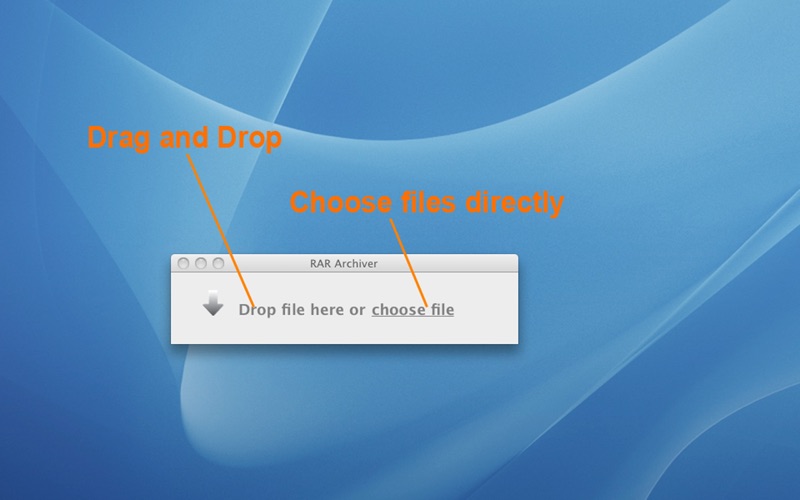
@Support both drag&drop and choosing files directly.
@Automatically determine whether to perfrom compression or uncompression by program.
@Has an advanced wizard to create RAR file or add files to existing RAR file (Under the top "File" menu).
@Double click to extract RAR file.