
iPhone Screenshots

Description
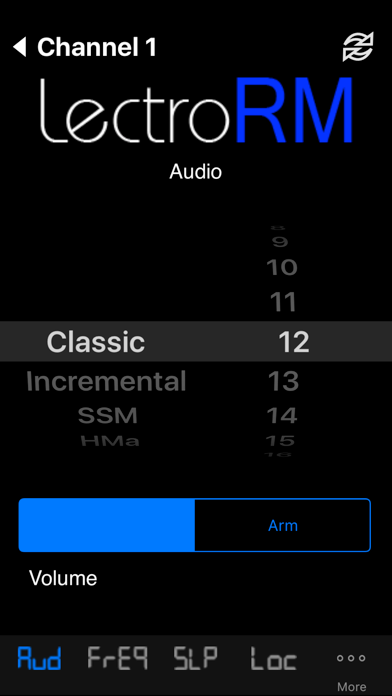
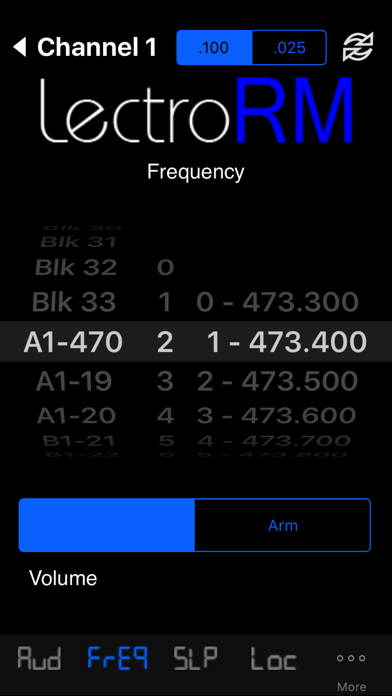
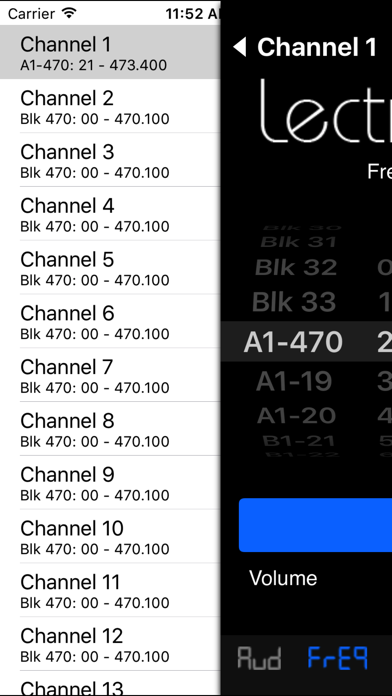
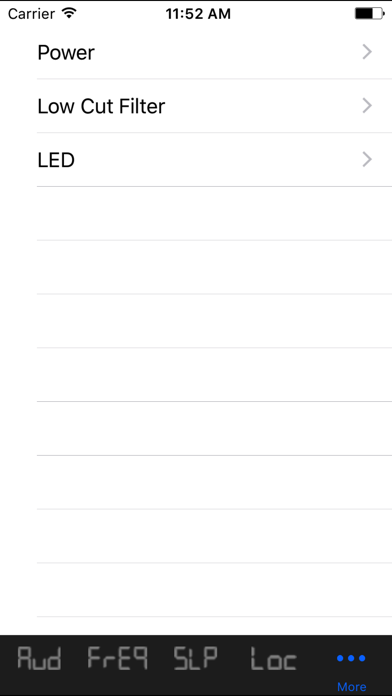
Control audio settings such as level, frequency, and power output. Enable sleep and lock modes. Adjust low cut filter and LED status. Start and stop recording. Manage volume per page for quick access.
Controllable Settings: (*Some or all of the settings may not be supported by your particular transmitter)
- *Audio Level
- *Frequency
- Sleep Mode
- Lock Mode
- *Power Output
- *Low Cut Filter
- *LED On/Off
- *Record/Stop
Features
- Simplistic design for fast and easy use
- Sounds are generated dynamically, not loaded from memory
- Volume control on each page for easy access
*Not all remote control tones are supported by every Lectronsonics device.
Lectrosonics® SM transmitters must be configured to accept remote control tones. Hold down arrow while turning on the transmitter. Then select "rc on". The original SM requires firmware version 1.5 (released 12/05) to respond to the remote. The firmware version number appears upon turning on the unit. Any tones properly received but not supported will be met with "---------" response on the transmitter screen.
Lectrosonics® is a registered trademark of Lectrosonics Inc. Lectrosonics Inc. does not provide support for this app.