
NAS Navigator2
Buffalo NAS device client utility software
BUFFALO INC.
iPhone Screenshots


Description
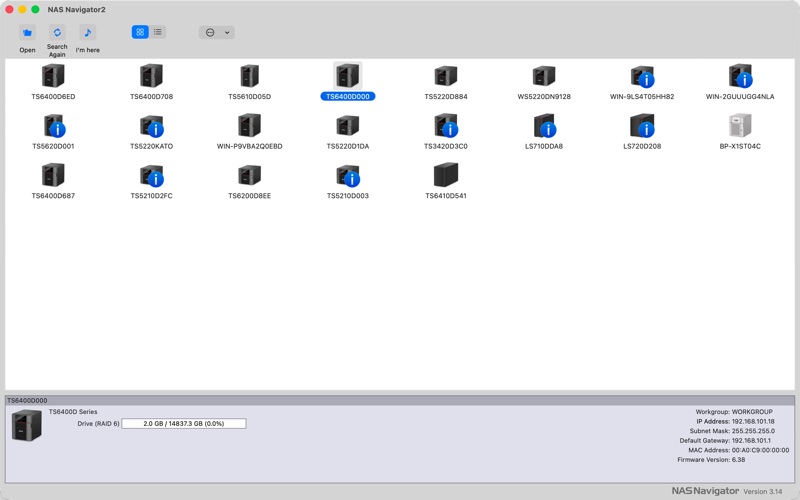
The app provides access to Buffalo NAS device settings. It allows users to view drive space and change IP addresses.
This software is a client utility for Buffalo NAS devices. It can change a Buffalo NAS device’s IP address, view a Buffalo NAS device’s available drive space, or allow access to the Settings interface for a Buffalo NAS device to change its settings.
Notes:
• If NAS Navigator2 version 2.99 or earlier has already been installed, uninstall the old version before installing this version using Finder.
• To uninstall NAS Navigator2 version 2.99 or earlier, first disable auto power mode. If you have already uninstalled NAS Navigator2 with auto power mode enabled, navigate to ‘System Preferences’ > ‘Users and Groups’ > ‘Login Items’ and delete “NasNaviHelper” before installing the new version.