
iPhone Screenshots
Description
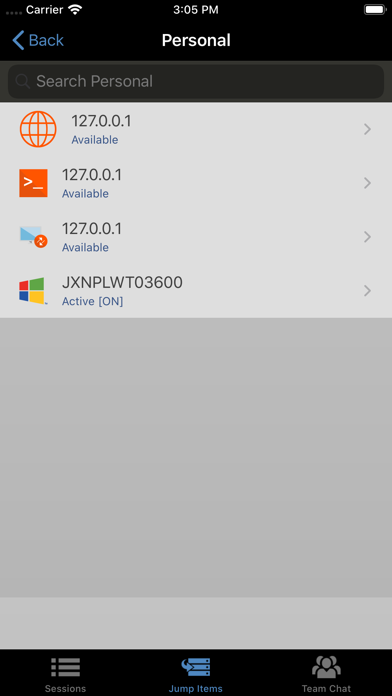
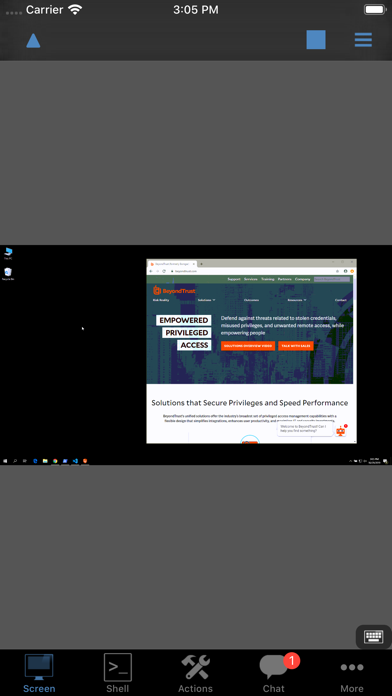
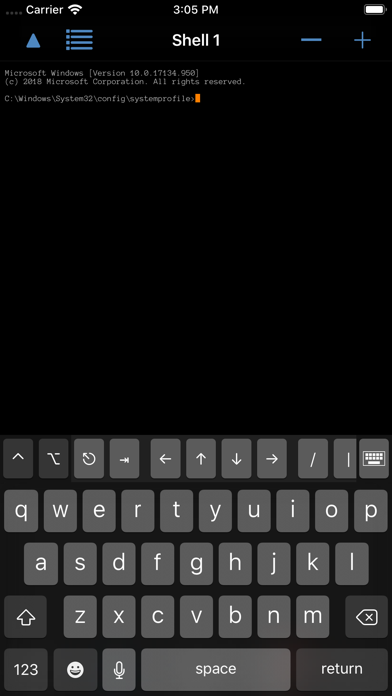
The app allows IT support technicians to initiate remote support sessions from an iOS device. Technicians can view and control a customer's screen, chat with users, and invite other reps to collaborate on issues.
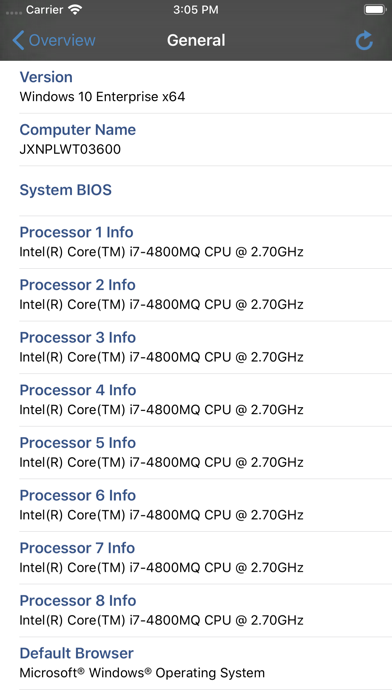
With the BeyondTrust iOS Rep Console, IT support technicians can remotely support desktops, laptops, or servers, allowing them to:
• Initiate a remote support session from an iOS device without requiring pre-installed software.
• View a customer’s or employee’s screen and control their mouse and keyboard.
• Work on multiple sessions simultaneously.
• Chat with end-users and other reps within a session.
• Invite other reps into a session to collaborate and resolve issues.
Note: The BeyondTrust iOS Rep Console works with existing BeyondTrust Remote Support and Bomgar Remote Support installations, version 20.1.1 or above, that have trusted CA-signed certificates.