
iPhone Screenshots

Description
Edit CSV files by changing fields, adding or removing rows and columns. Filter rows based on text. Select delimiters and encodings. Save and export modified files.
CSV files — comma separated values — are a widely used file type for the transfer of simple information. It's a format used by Excel and a host of other applications in finance and other industries.
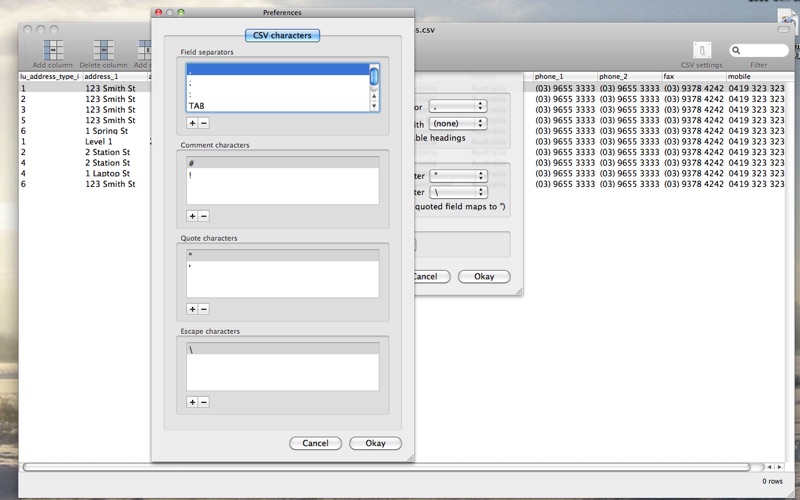
CSVEdit will open these files supporting a user-selectable set of field delimiters and file encodings, allow you to search and filter (ie, only show rows containing a string), and edit the files. Fields can be altered, rows added, reordered and/or removed, columns added or deleted. CSVEdit supports undo so you can try things out.
By changing the file's characteristics, you can open SQL data extracts (hint: change the field separator to "|") or many other row-based formats.
The files can then be saved, optionally using new delimiters or in a different file encoding to make translating between formats easy.
It all adds up to a simple but powerful tool for browsing and editing CSV files.
Note: CSVEdit does not save comment lines present in the input when writing out files.