
iPhone Screenshots



Description
Track important holidays across multiple countries. Set and vibration alarms that work even when the is in the background. Manage alarms and notifications with customizable settings.
MusicAlarm helps you wake up with the music you love and skip alarms on the days you want to rest.
Key features
- Play alarm music from songs, albums, artists, and playlists in your music library
- Skip alarms on public holidays or your own custom holidays
- Create notification sounds from your own TTS text
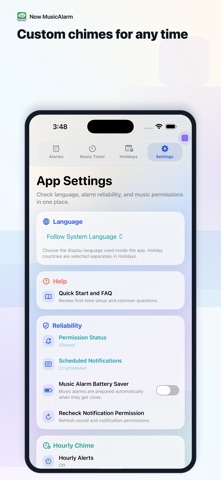
- Generate hourly voice sets and custom chime times
- Choose different chime sounds by time
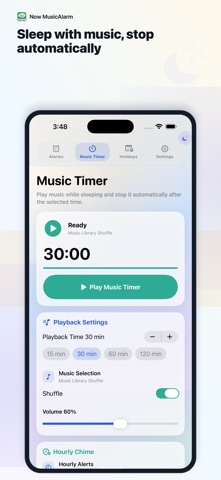
- Fall asleep with the music timer and stop playback automatically
- Configure alarm volume, fade in, snooze, and wake check options
You can make sounds such as “Time for lunch” or “It is one o’clock” and use them for alarms or regular chimes. Chimes can run on the hour or at your own custom times.
Notification, sound, and media-library permissions are required. For reliable music alarms, follow the in-app setup and battery-saving guidance.