
SimLab CAD Viewer
View 3D models and navigate scenes
Simulation Lab Software
iPhone Screenshots
Description
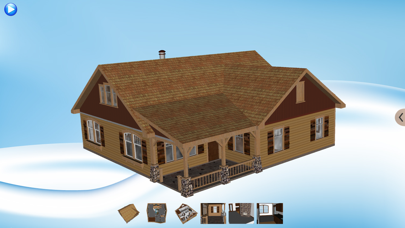
View 3D CAD and architectural models with rotation, panning, and zooming. Access models from iTunes, Dropbox, Google Drive, emails, and websites. Switch between different configurations of the 3D model. Open Archive files and supported 3D PDFs.
SimLab CAD viewer enables the user to view 3D CAD and architectural models.
SimLab CAD viewer enables viewing SimLab Archive files (*.zim) and supported 3D PDF files exported from SimLab Composer or one of SimLab plug-ins.
The user can navigate the 3D scene (rotating, panning, zooming).
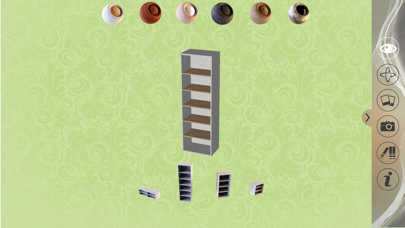
The user can view different configurations of the 3D model.
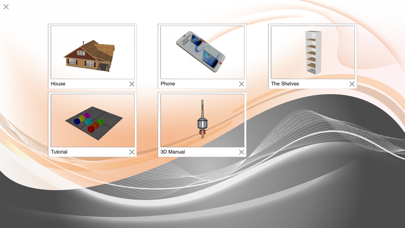
The user can view models using iTunes, Dropbox, Google Drive, from emails, and websites.