
iPhone Screenshots
Description
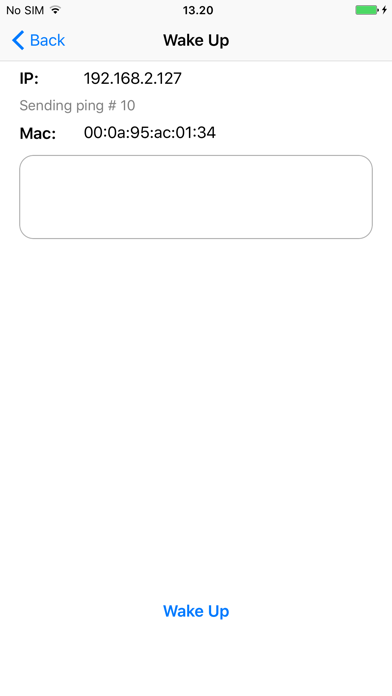
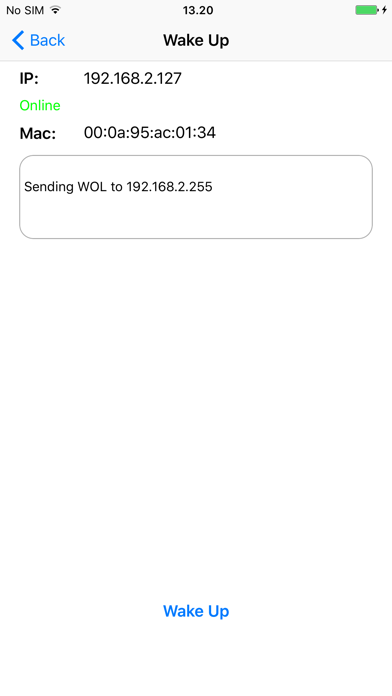
Wake-on-LAN allows users to power on computers over a network. It detects local devices using Bonjour and NETBIOS. Users can ping computers to check their status. The broadcasts wake signals on a LAN and supports 3G and Wi-Fi networks.
Wake-on-LAN for easy wake up calls. Use your iPhone or iPad to power up a sleeping Mac or PC on your network.
FEATURES:
- Easy detection of local computers with Bonjour and NETBIOS lookup.
- Can ping your computer to check, when it it is ready.
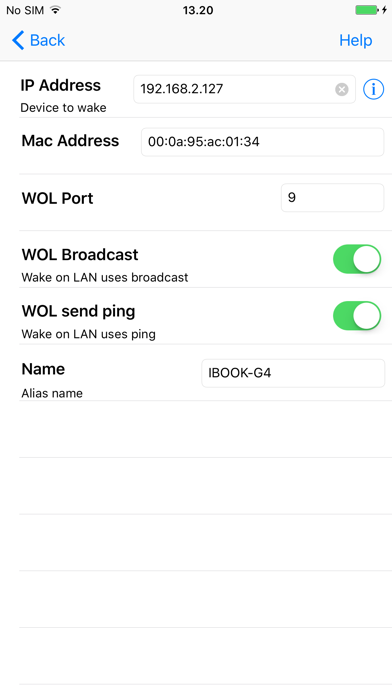
- Broadcast on a LAN.
- Works from other networks as 3G and WIFI.
- Can keep 30 configurations for computers to WOL.
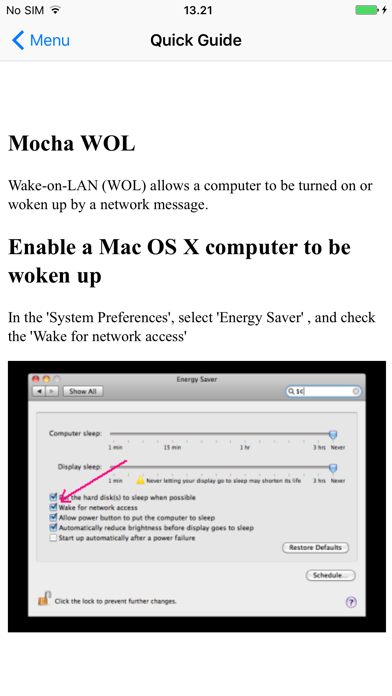
- Build in help guides.
HOW IT WORKS:
When you select a computer to wake, a special UDP data frame is broadcast on the LAN. When the sleeping computer see the data frame, it will wake up. If the iPhone or iPad is on another network, such as 3G, you must first configure the HOME router to forward the special UDP package.