
iPhone Screenshots




Description
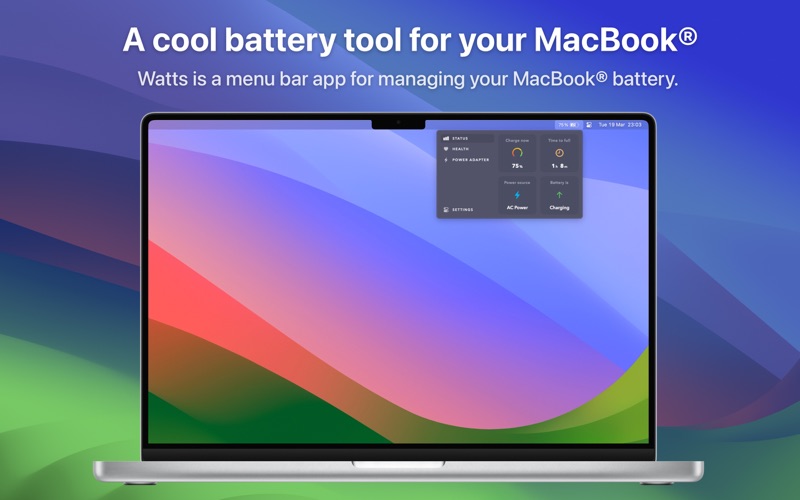
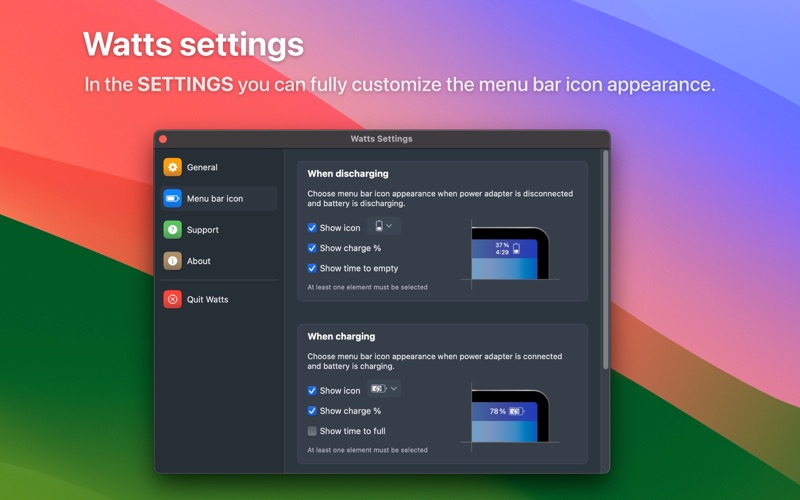
The app displays battery status, health parameters, and power adapter information. Users can customize the menu bar icon to show or hide specific data and choose from various icon styles.
Watts is a MacBook® battery management tool.
It's a menu bar app that shows:
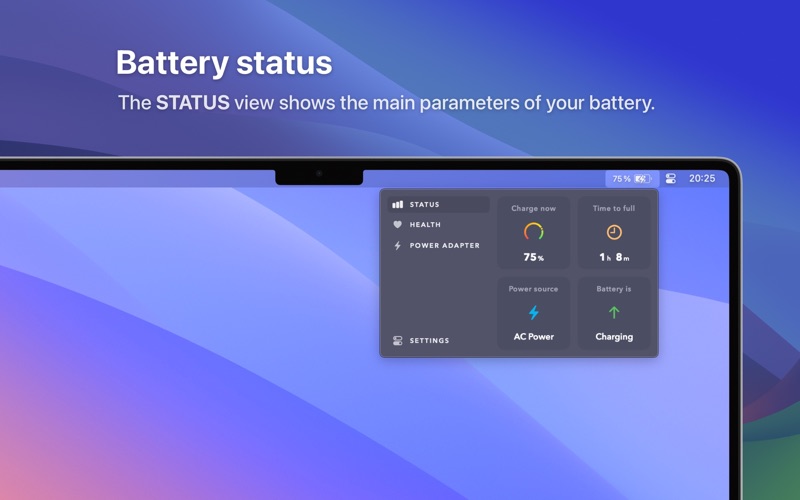
- The usual battery status information (power source used, current battery charge and remaining time)
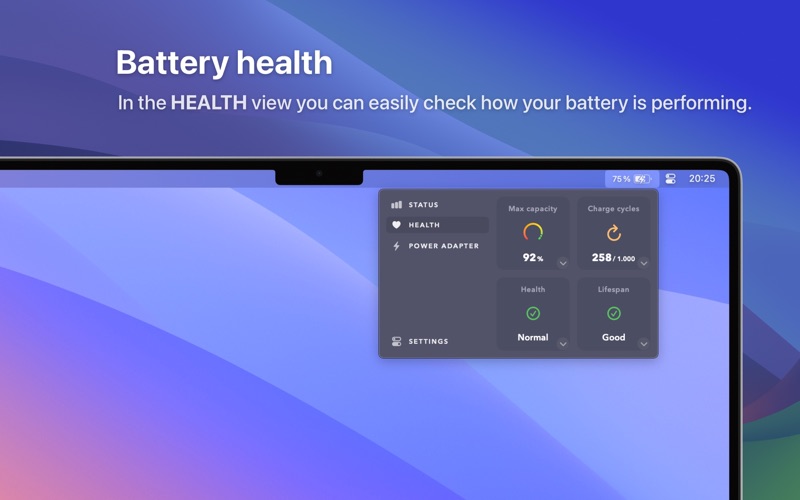
- Your battery health parameters (charge cycles, maximum, capacity, etc), super easily explained
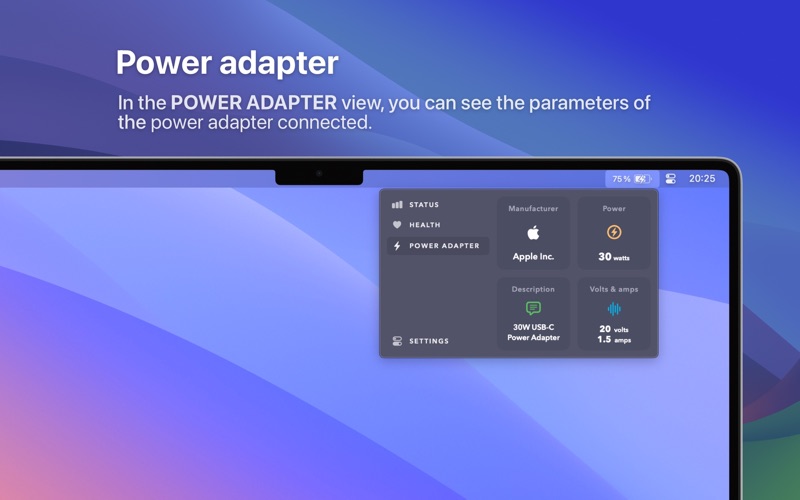
- The power adapter information connected (brand, watts provided, voltage and current, etc)
Additionally, in Watts settings, you can fully customise the menu bar icon appearance:
- Select which information data to show: show/hide icon, show/hide battery charge percentage, show/hide time remaining to full/empty
- Choose between dozens of icons, like vertical battery icons, plug icons, bolt icons...
Other features:
- Supports light and dark modes
- Works on any MacBook® model (MacBook Air®, MacBook Pro®)
- For macOS® 14 Sonoma or later
- No subscriptions, no in-app purchases