
Remote Selfie - Easy Self Shot
Take photos remotely with Bluetooth
KI HYUN KIM
iPhone Screenshots
Description
Use Bluetooth headset as wireless shutter release to take photos remotely. Trigger camera via ear- or Bluetooth headset. Adjust settings and capture images without touching the phone.
Don't be interrupted by releasing the shutter.
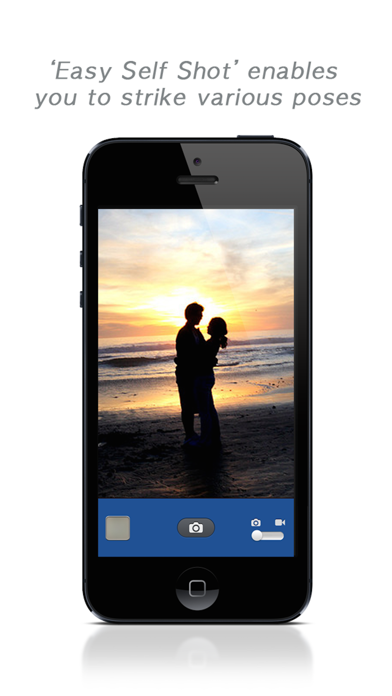
Wireless shutter release enables you to strike various poses.
"Remote Selfie" enables you to take a picture using your Bluetooth headset as a wireless shutter release for the camera on your iPhone or iPod touch. And, you can take a picture using your iPhone's bundle ear-remote as wired shutter release.
Do you have a Bluetooth headset? Then you can use it as a wireless shutter release for your camera.
* How to use *
1. Connect bluetooth headset with your iPhone.
(In setting->Bluetooth->Your Headset should be connected)
2. Launch the "Remote Selfie"
3. For activating the connection, you may need to press the 'play'(▶) button of your bluetooth headset
4. If bluetooth headset connected, use your bluetooth headset as wireless shutter release
* Remote Control *
▶ (Play)
・ Take a picture
・ Start/Stop video recording
▶▶ (Fast Forward)
・ Change mode (picture, video)
◁◁ (Rewind)
・ Change camera (front / rear)
Caution : Mono bluetooth headset doesn't works.
** Features **
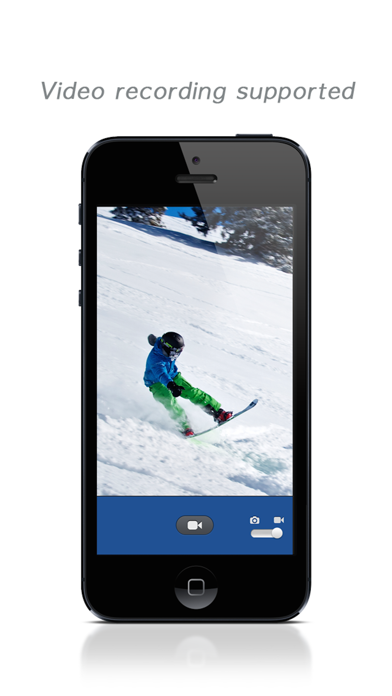
- Picture , video capture supported.
- Changing between picture and video mode with remote
- Front/Backend camera, flash mode supported
- Containing photo metadata(with Location info)