
iPhone Screenshots


Description
The app adds a Table of Contents to PDFs. It organizes multipage scanned documents and builds a TOC for PDFs from scanned or OCR pages.
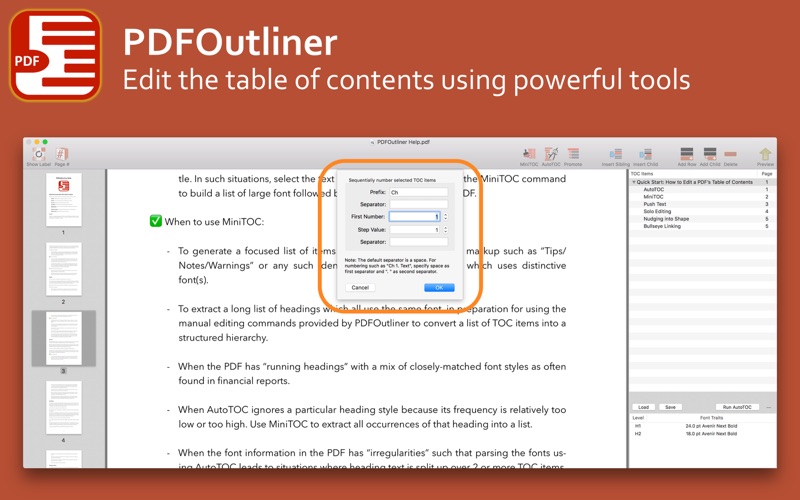
Auto-magically add a Table of Contents (TOC) to your PDF. Use powerful tools to quickly build and edit a TOC.
Use PDFOutliner to:
◇ Add a TOC to PDFs exported by Pages.app and Ulysses.app on your Mac
◇ Clean up messy TOC provided by PDF’s original publisher
◇ Organize multipage scanned documents in a PDF
◇ Build a TOC for a PDF built from scanned or OCR pages
PDFOutliner writes the table of contents back into the PDF, and the PDF is compatible with all PDF viewer apps on your Mac and iOS devices. The table of contents usually appears in a sidebar or popover in your PDF reading app. For example, in the Preview app built into macOS, open the PDF and click View menu -> Table of Contents to show the navigation sidebar.