
iPhone Screenshots

Description
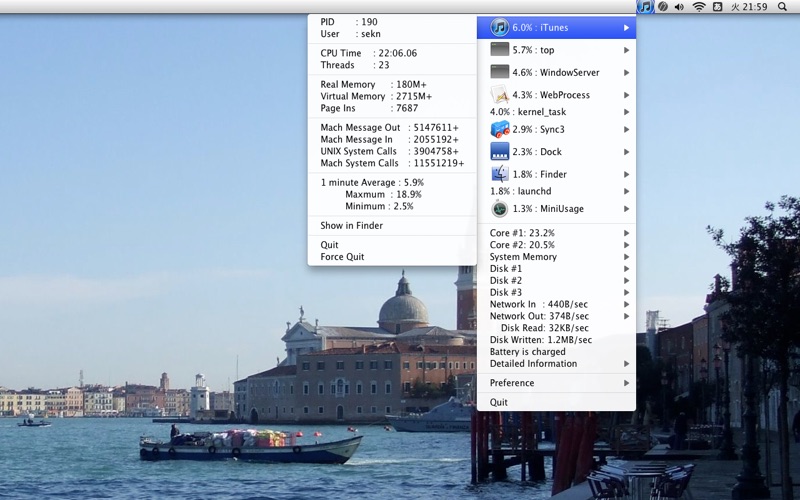
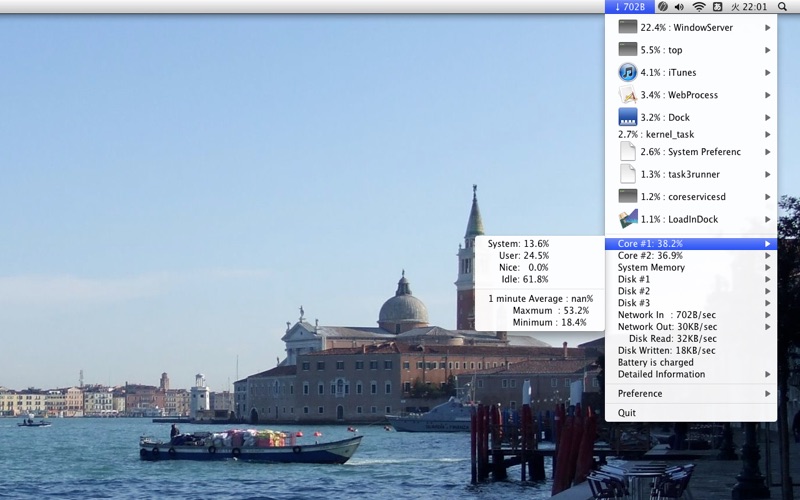
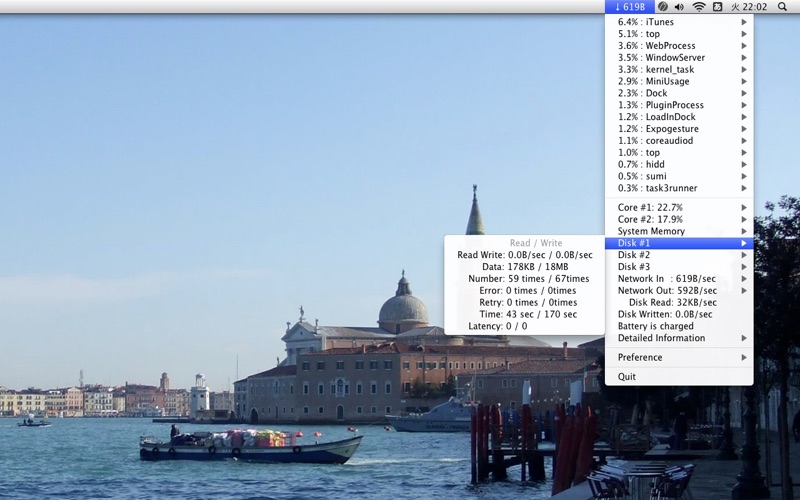
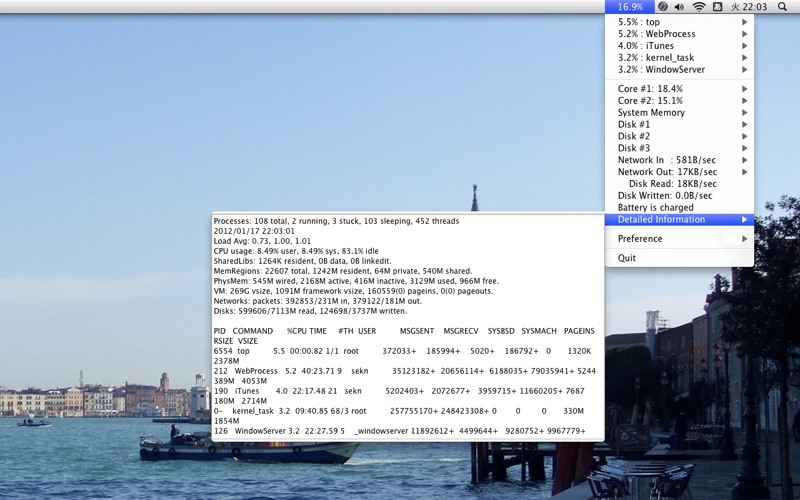
Displays CPU usage, network activity, battery status, and process names in the menubar. Shows which processes consume significant CPU resources. Supports AppleScript for accessing real-time data. Takes minimal space and runs efficiently on notebooks.
MiniUsage displays various data like CPU usage, amount of network flow, battery status and process names which uses much CPU time in a menubar. It takes little space and can display various data, so it's suitable for notebook.
While the application is running, this information can be referred via AppleScript.
If you like this software, I'd like to ask to make small donation to help effort for the Japan earthquake and tsunami disaster.