
iPhone Screenshots
Description
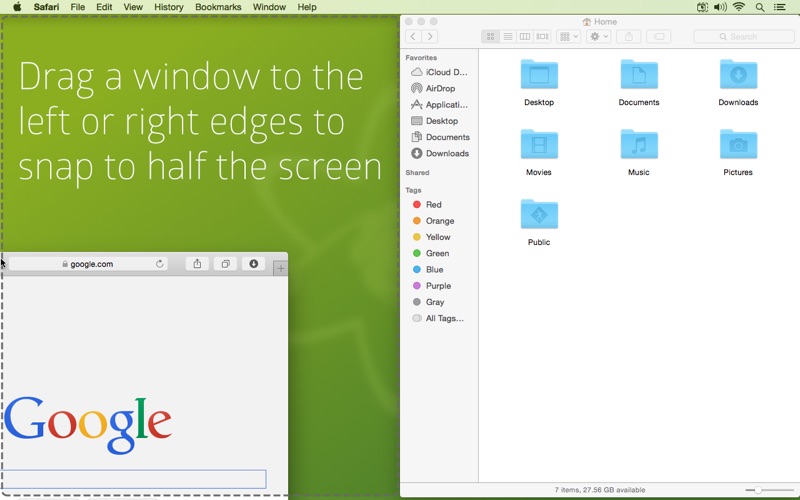
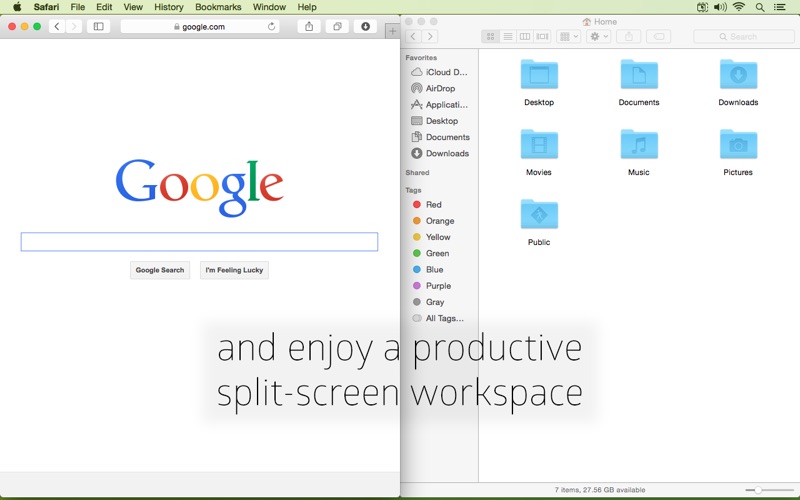
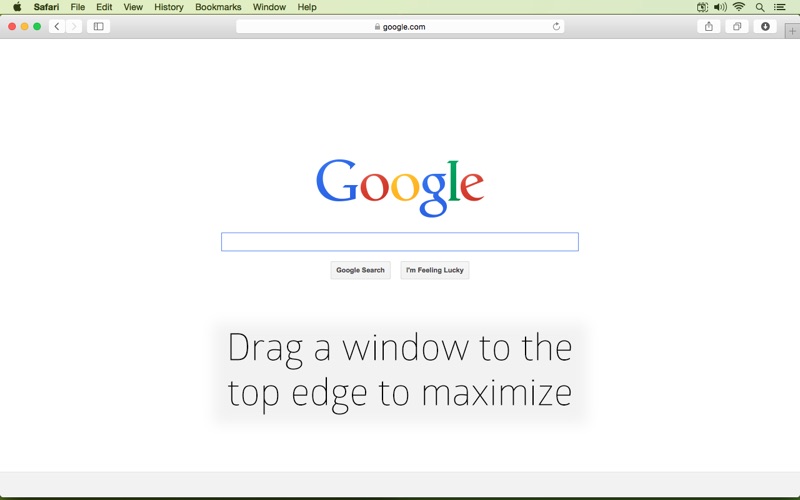
Manage windows by dragging them into predefined hot zones on screen edges. to left or right edges to split screen, resizing windows to fill half the display. to top edge to maximize window to full screen.
Cinch gives you simple, mouse or trackpad-driven window management by defining the left, right, and top edges of your screen as 'hot zones'. Drag a window until the cursor hits one of these zones then drop the window to have it cinch into place.
Cinching to the left or right edges of the screen will resize the window to fill half the screen, allowing you to easily compare two windows side-by-side (splitscreen).
Cinching to the top edge of the screen will maximize the window to fill the entire screen (fullscreen).
Dragging a window away from its cinched position will restore the window to its original size.