FGDesktopLoupe
Focus on screen areas with spotlight beam
francesco Germinara
iPhone Screenshots

Description
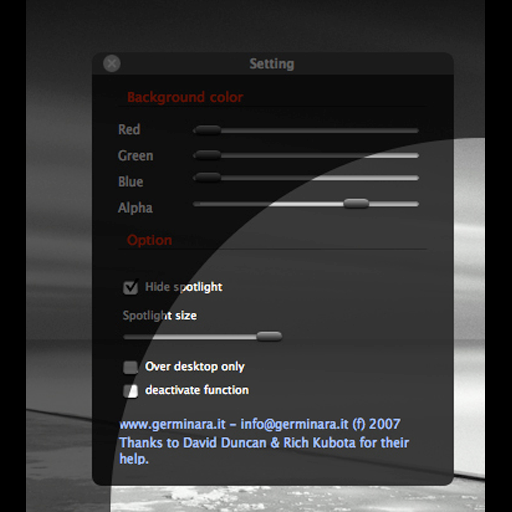
Adjust screen brightness with a spotlight beam that follows the mouse pointer. Set spotlight size and dimmer background color. Toggle the effect using CMD ALT and access settings with CTRL ALT.
FGDesktopLoupe is a desktop dimmer that will allow you to use a spotlight beam that follows your mouse pointer to focus on a part of the screen.
FGDesktopLoupe will allow you to easily set the size of the spotlight and the color of the dimmer background.
You can use CTRL ALT to open the settings window and CMD ALT to toggle the dimmer effect on or off.