
Task Tracker Utility
Track time, create projects, start tasks
Mike Melnikov
iPhone Screenshots




Description
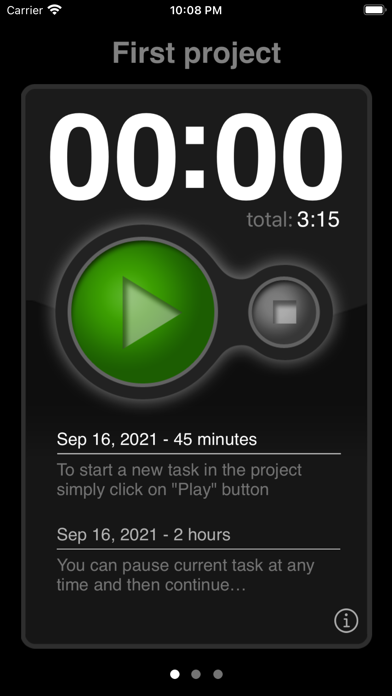
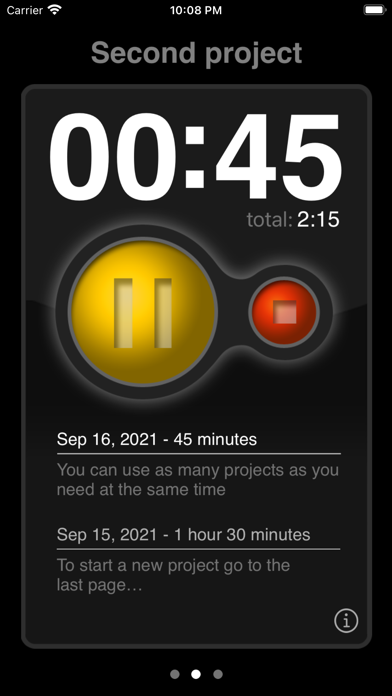
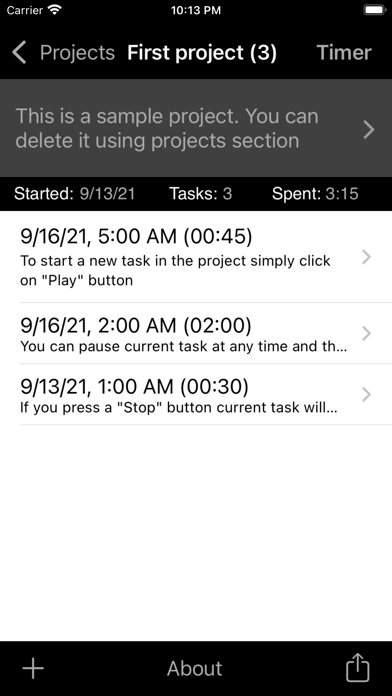
Track time spent on projects with a simple timer that displays time in HH:MM format. Start and stop tasks by tapping, and view time logs for each project.
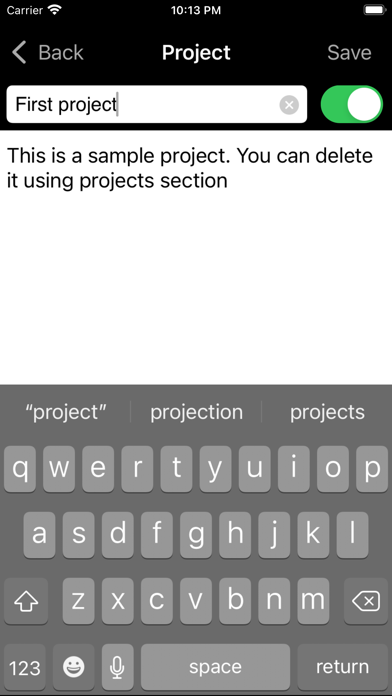
If you need to track the time you spend on your projects, you maybe be looking for a simple time tracker app that helps you to do that. Task Tracker has been designed to be a simple and intuitive utility for time tracking. Just tap once to create a new project and then tap again to start a new task.
### Attention! This is a minute based timer, which shows HH:MM, not MM:SS. When you start it only dots are flashing and you see 00:00 until one minute passes. Then it will change to 00:01. ###
Some useful features available for you:
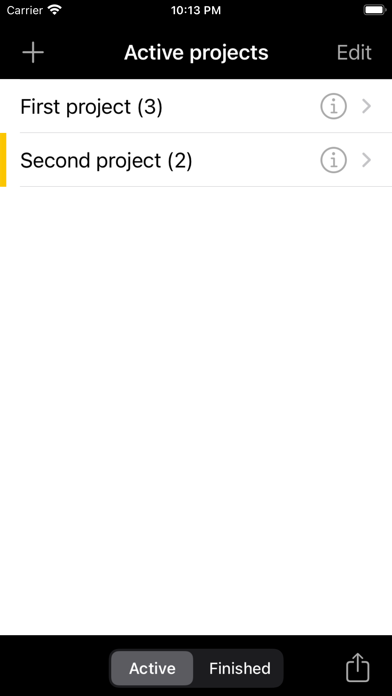
- create as many projects as you need at the same time
- new task is created automatically when you start a timer
- you can edit a description, starting date and duration of the task
- you don't need a registration on the website
- ability to send all your tasks by e-mail
- ability to print a whole project using AirPrint
- you can archive any finished project for later use
- you can export all tasks from project(s) to the file using CSV or Excel format
- integration with a Calendar to automatically add finished tasks to the default calendar
- "one task at a time" mode, which automatically stops previously running task in other projects when you start a new one