
mimiCopy - Slow Down Player
Play tracks, , learn by ear
ART Teknika, Inc.
iPhone Screenshots
Description
Play tracks from iPod library. Adjust playback speed without pitch change. Use waveform view to navigate and loop sections. Load favorite tracks for learning by ear.
**If you can not access the music library on iOS10, check that mimiCopy is ON in "Settings" in "Privacy" -> "Media Library".
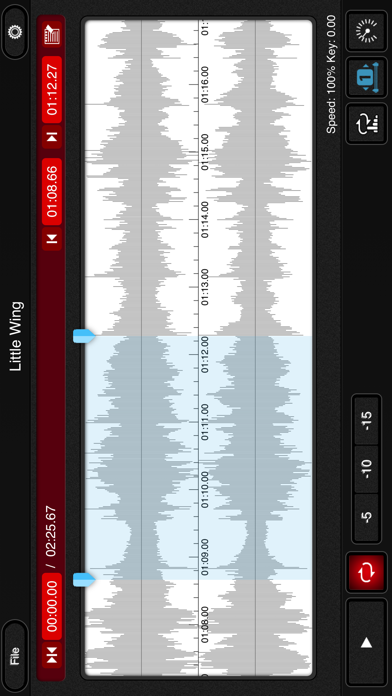
mimiCopy is a music player that helps guitarists and other musicians 'learn by ear' a track of their choice. You can playback at slower speed without any change in pitch, or use the waveform view to skip to a particular segment or set a loop. You can also load your favorite track from your iPod library!
Main features
- Time stretch function for playing back at different speeds without any change in pitch.
Ideal for slow playback of fast phrases.
(Features the high-quality time stretch engine(*1))
(speed controlrange:25%-200%)
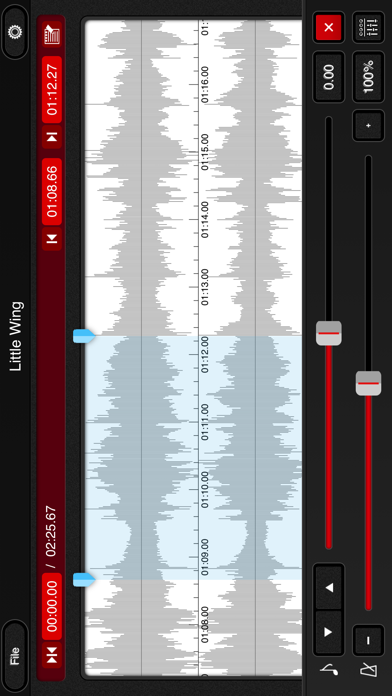
- pitch shift function. Adjustment range: ±1 octave
- Waveform view for easily skipping to a desired segment or setting a (A-B)loop.
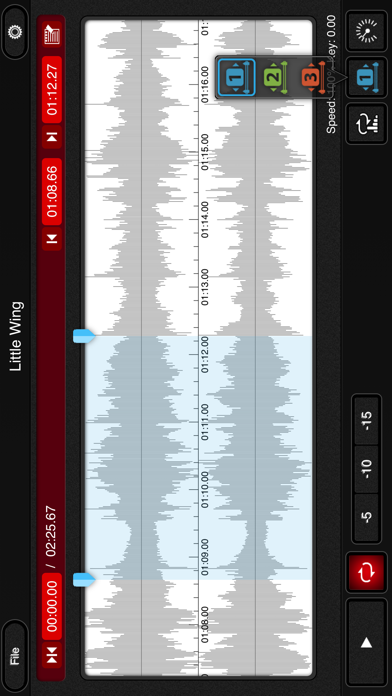
- Simple (A-B)loop setup by tapping the start and end positions during playback. Loop intervals can be set to three locations.
- Quick rewind function for going back to replay just the few seconds that you've missed.
- Supports importing of tracks from your iPod library.(*2)
- File import via WiFi or USB.
- Option to disable Auto-Lock while the main view is open.
- Universal app (supports iPhone, iPod touch, and iPad).
- Memo function.
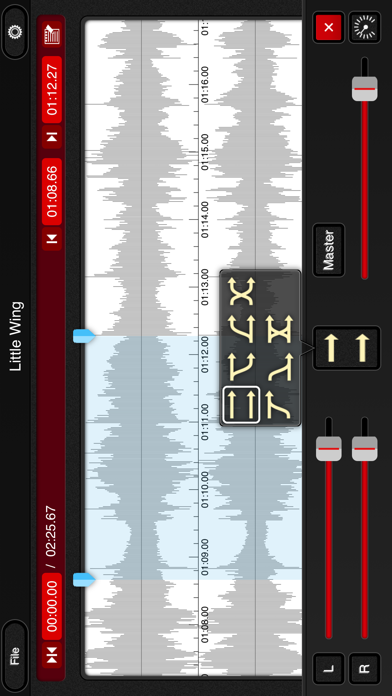
- Flexible audio routing. mimiCopy has its own volume control. It can also adjust the right and left volume. or can change the right and left channel.
- Intuitive and hassle-free interface.
Let mimiCopy be your handy sidekick in your music life.
* Some functions are features of the Pro version. Pro version users must register (registration is free).
Suggested Usage
- Transcribe speeches, interviews, conferences, etc.
- Enjoy seminars and podcasts at faster (or slower) speed.
(High-quality time stretch engine makes listening easier than with iPod's generic 1/2x and 2x playback)
---
If mimiCopy shows "unknown error", try following:
http://support.apple.com/kb/HT4211?viewlocale=en_US
---
When the dialog of opening cannot be closed, please force the app to close or reboot your device. .
Force the app to close:
1. From the Home screen, double-click the Home button to display recently used apps.
2. Tap and hold the app until a red minus appears. Tap the red minus to quit the app.
3. Tap on the Home screen, above, to return.
----
Became a fan of mimiCopy on Facebook!
http://www.facebook.com/mimiCopyApp
(*1)Featuring the time stretch engine by P SOFTHOUSE Co.,Ltd.
(*2)DRM protected files(Song bought from iTunes) are not supported. iTunes Plus files are supported. Other files may not be supported depending on the encoding format.