
Daily Calorie Calorie Counter
Track calories and activity levels
Omer Okan Ayvazoglu
iPhone Screenshots
Description
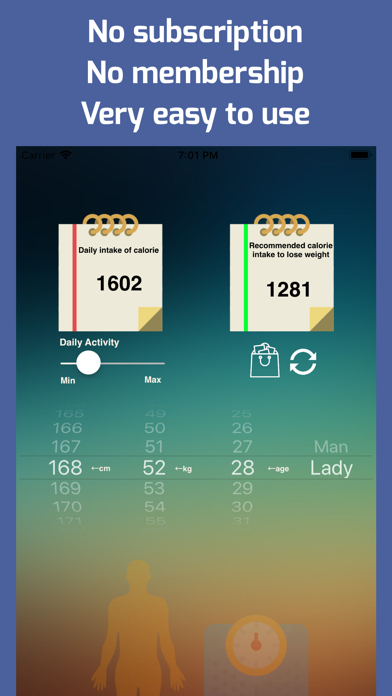
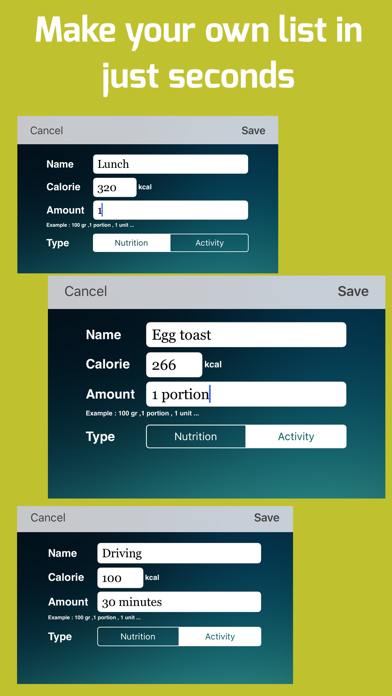
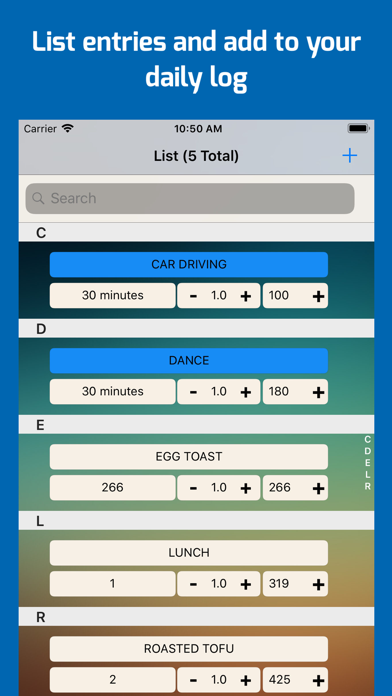
Profile page allows users to input height, weight, age, and activity level to set standard and weight loss limits. List page enables users to add and organize nutrition and activity items.
All necessary features you can use
■ Profile page
Adjust your profile settings : Height , Weight , Age and daily activity intense.
At this page normal calorie limit and the calorie limit that needed to loss weight is shown according to your selected profile.
■ List page
Add any nutrition or activity you want . Make the list as you wish .
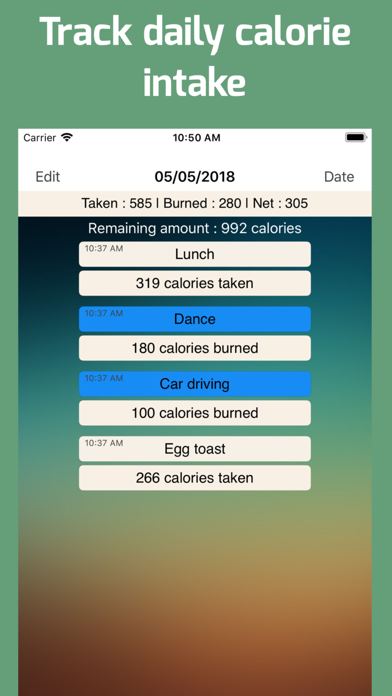
■ Daily Log page
When you log the foods or activities in list page they are all saved into the selected date in Daily Log page
You can check all data exists in this page and see if you are on right way to achieve your daily targets.
■ BMI page
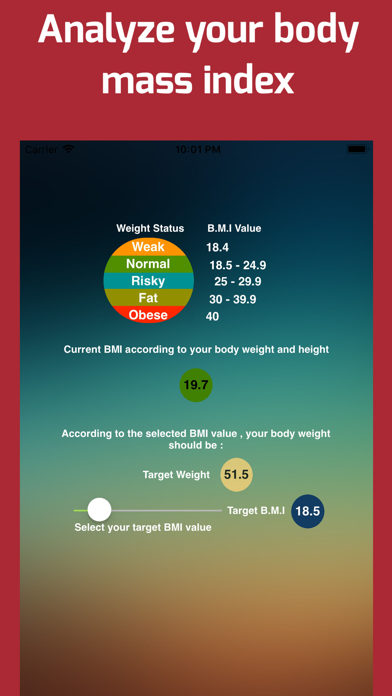
This is the Body Mass Index value calculated with the values you entered in your profile page.
You can check if it is between normal limits or not.
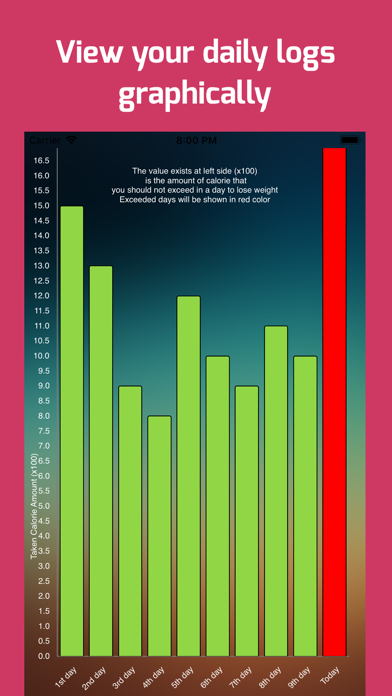
■ Graphic page
It shows the last 10 day of your daily log.You can easily see the status if you exceed the selected limit on any day .
*** Credits : All icons made by http://www.freepik.com
Flaticon (www.flaticon.com) is licensed by http://creativecommons.org/licenses/by/3.0/ - Creative Commons BY 3.0