
iNet Network Scanner
Monitor devices, track activity, manage
BananaGlue GmbH
iPhone Screenshots
Description
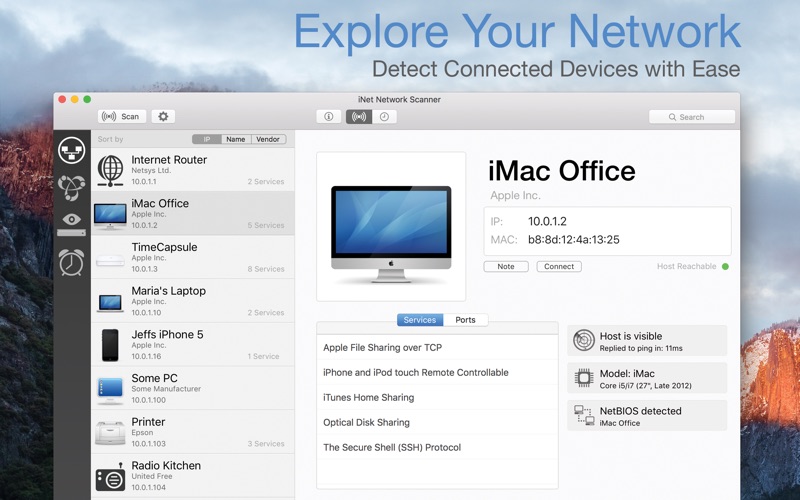
Scan and identify devices on your local . View connected devices, open ports, and active services. Rename and customize device icons for easy recognition. Wake up sleeping Macs remotely. Monitor and manage activity.
iNet – Know Your Network.
See at a glance what’s happening on your network.
Which devices are connected to your Wi-Fi? Are there any devices you don’t recognize? What services are running? iNet gives you a clear overview of your local network and the tools for a closer look.
Whether at home or as a network professional, iNet lets you scan your network, identify connected devices, discover active services and open ports, and wake Macs, PCs, and other devices remotely.
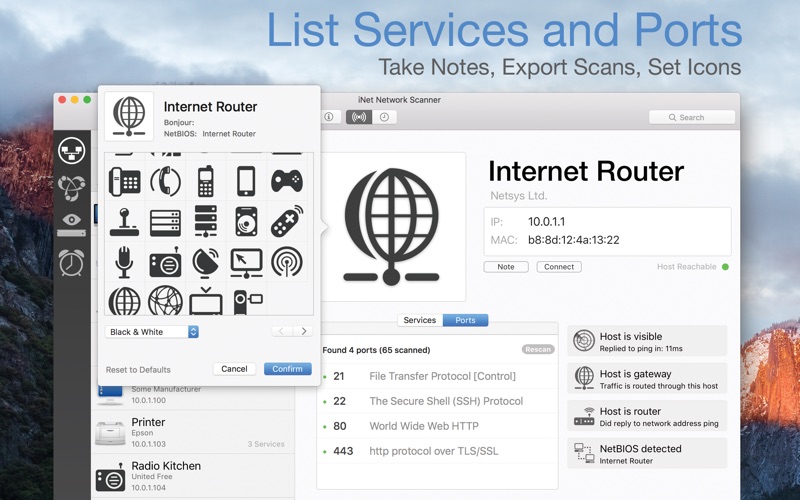
Give your devices custom names and icons so you can recognize them instantly the next time you scan your network.
Network Scanner
• Find all devices on your network
• View IP and MAC addresses and other device information
• Assign custom names and icons to easily identify devices
• Set IP scan ranges and select network interfaces
• Export scan results as CSV or PDF
• Connect directly via SSH, VNC, HTTP, and more
Bonjour Monitor
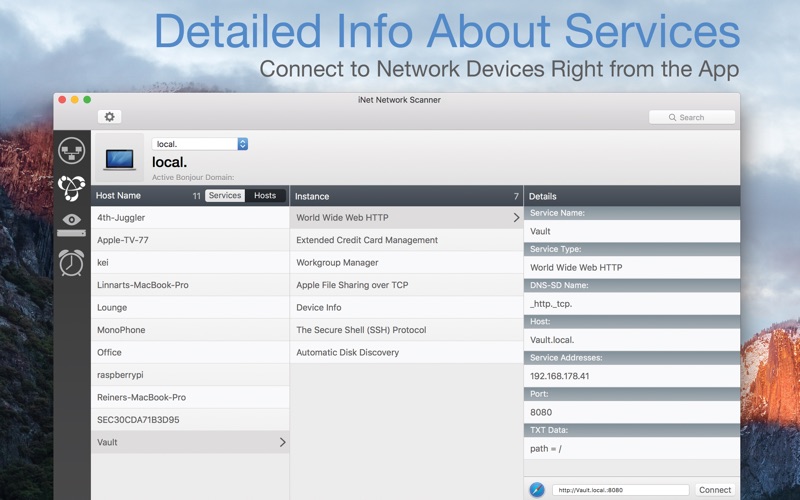
• Monitor Bonjour services in real time
• See which services are available on each device
• View detailed information about services and domains
Wake on LAN
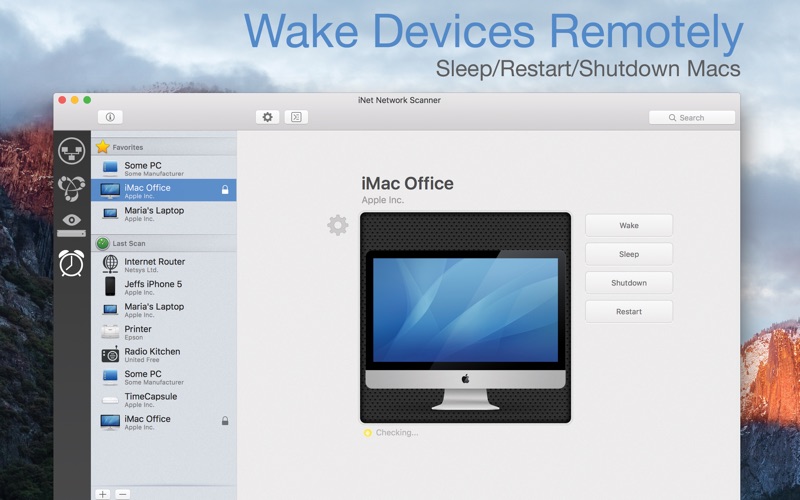
• Wake Macs, PCs, and other compatible devices over LAN or the Internet
• Put Macs to sleep, shut them down, or restart them remotely
• Execute SSH commands
• Save frequently used devices as favorites
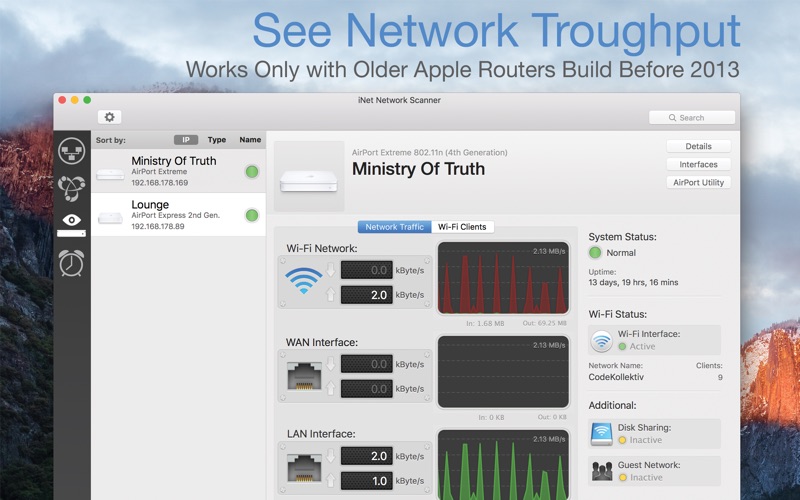
AirPort Monitor
Keep an eye on compatible Apple AirPort base stations directly from iNet.
• View AirPort base station status in real time•
Monitor network traffic and Wi-Fi quality live
• Check signal strength for individual devices
• View detailed information about your AirPort base station
Note: Newer 802.11ac AirPort models are not supported because Apple removed SNMP support from these models.
Help & Documentation
• Built-in help in English and German
• Glossary explaining important networking terms
Privacy Included. Your network data stays with you.
iNet collects no user data and requires no account or sign-in. There are no subscriptions or recurring fees. Buy iNet once — future updates are included.
Developed and maintained in Germany since 2010.
iNet is also available for iPhone and iPad.