
iPhone Screenshots

Description
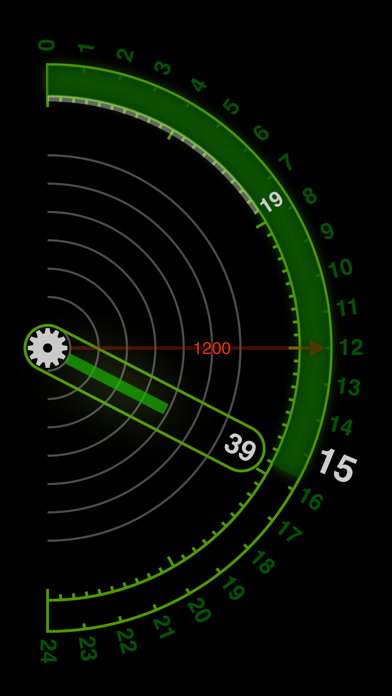
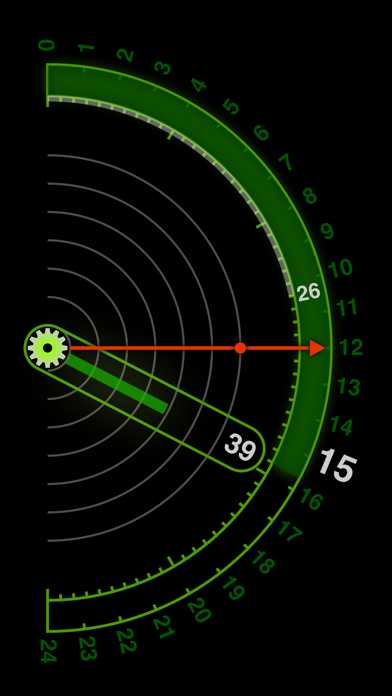
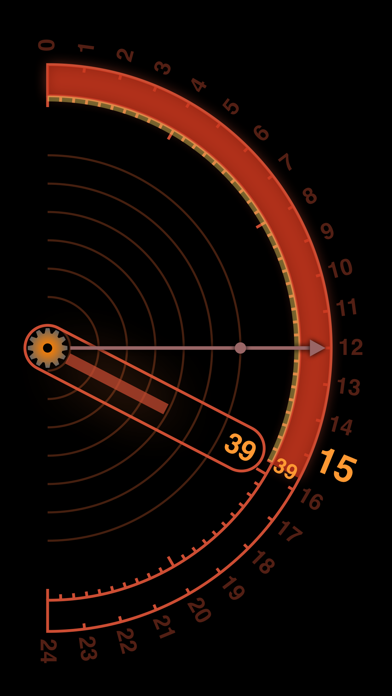
A clock with 24-hour display in portrait and landscape modes. Set alarms in 10-minute increments with customizable sound, vibration, and screen blinking. Disable automatic locking while active. Requires charging for alarm functionality.
It is a clock on 24 hour display. It corresponds to portrait and landscape placement.
There is an alarm function. The time can be set in 10-minute increments. Alarm sound, vibration, blinking of screen can be set. (The alarm function can not be used unless this application is running.)
You can disable automatic locking while this application is running. Because the battery is exhausted, please use while charging.
Tap the gear button to toggle the alarm on / off. To set the alarm time, with the alarm turned off, drag the alarm hand. Drag the alarm hand to indicate the time in 10-minute increments. Drag the gear button to display the setting screen. (Vertical display only)