
iPhone Screenshots
Description
Remote -up for compatible devices via local network or internet. Send -up signals to computers or devices supporting On Lan. Requires network connection and proper port configuration.
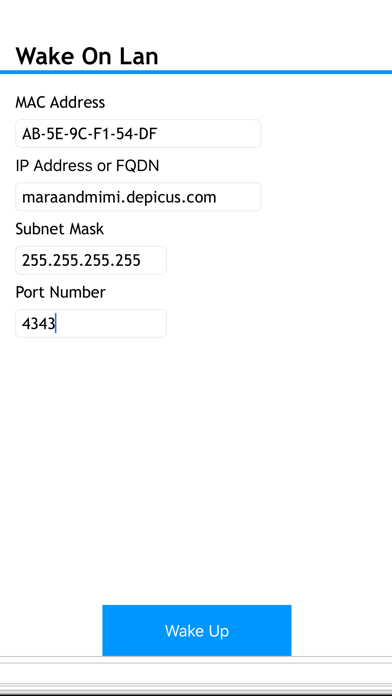
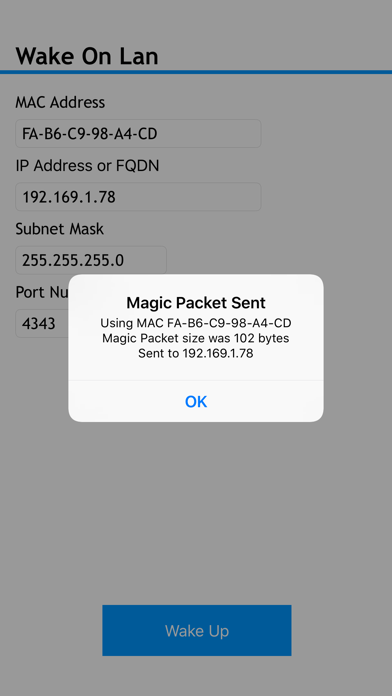
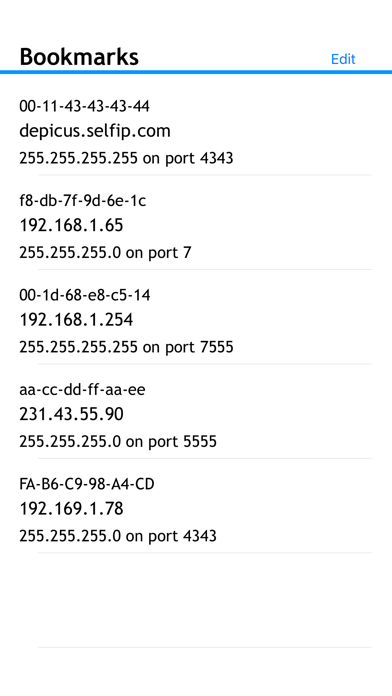
Depicus Wake On Lan allows you to remotely wake a computer or other device that comply with the Wake On Lan protocol either on a local network or over the internet.
Full information about Wake On Lan can be found at https://www.depicus.com/wake-on-lan/welcome
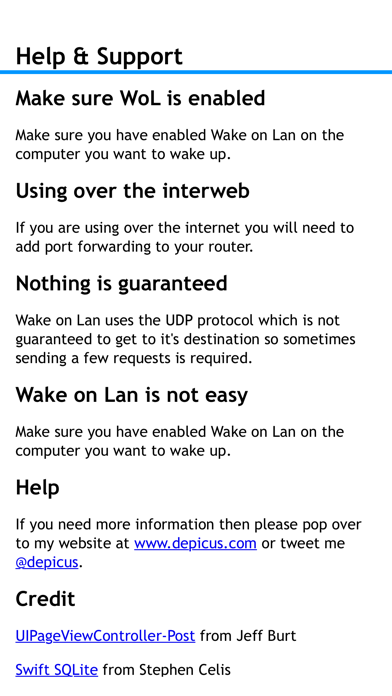
NB: Wake On Lan and Wake On Wan will not work to wake up a computer using only wifi although you can use this application to wake up machines if you are connected to wifi or 3G/4G. Also note that some Mobile Operators block UDP ports lower than 1024 over their networks, try using a higher port number e.g. 4343
You can always ask questions via twitter @depicus, hope you enjoy this app.