
iPhone Screenshots

Description
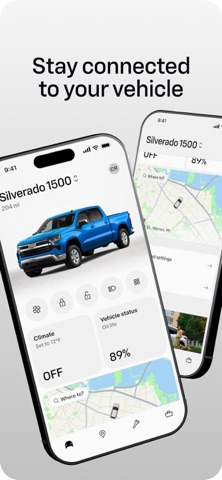
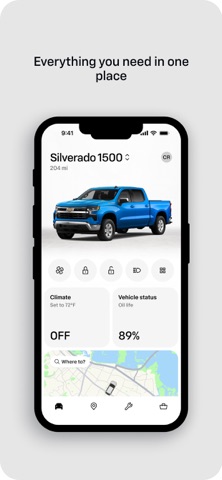
Control your vehicle remotely by starting the engine, adjusting cabin temperature, and locating your car. View fuel level, tire pressure, and odometer data. Schedule service and request roadside assistance directly from the .
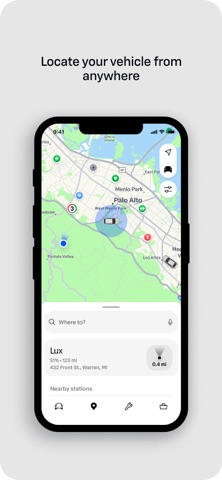
Stay connected to your Chevrolet from the palm of your hand with the myChevrolet app. Use your phone to locate your vehicle from anywhere, check its health, manage charging, prepare your cabin before you leave, and get help when you need it.
Download the app that is always with you to make every drive easier.
With the myChevrolet app, you can:
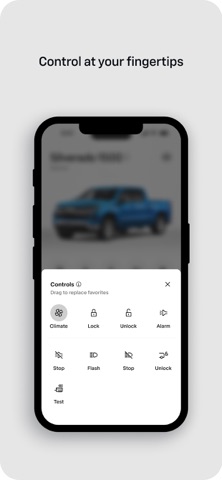
• Remotely start, lock, and unlock your vehicle.
• Check fuel level, tire pressure, oil life, and more.
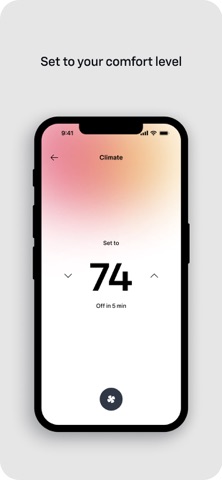
• Set your preferred cabin temperature.
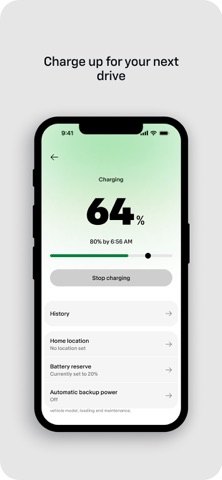
• View charging status and locate charging stations.
• Plan trips and navigate with maps.
• Request help with Roadside Assistance.
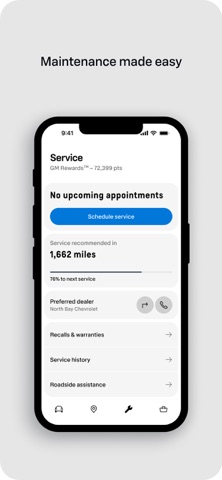
• Schedule service, find your dealership, and more.
Disclosures:
Mobile app functionality is available on select devices and requires data connection. Services availability, features and functionality vary by vehicle, device and the plan you are enrolled in. Roadside service availability and providers vary by country. Map coverage, features and functionality varies by country. See onstar.com for details and limitations.