
Unix/Linux CLI Commands
Learn , explore tools, execute tasks
bahtiyar polat
iPhone Screenshots


Description
Provides command line interface reference for systems. Includes commonly used , their syntax, and usage instructions. Allows users to search for specific and view detailed explanations.
Unix/Linux CLI Commands is a clean, fast reference for the Unix and Linux command line — and a safe place to practice what you learn.
Whether you're a student, a developer, or a system administrator brushing up, every command is explained in plain language with real examples you can try right away.
BROWSE BY CATEGORY
Commands are grouped into clear categories — file management, searching, text processing, networking & communication, storage, system status and more — so you can find what you need fast or explore a topic from the ground up.
LEARN WHAT EACH COMMAND DOES
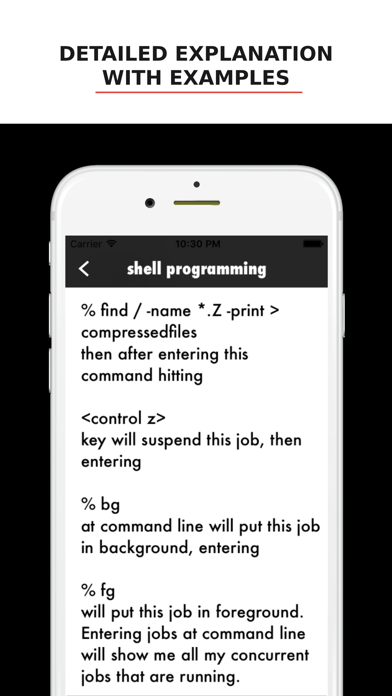
Each entry gives you the command, its full name, a short description of what it does, and practical examples. No fluff, no wall of man-page text — just what you need to understand and use it.
PRACTICE IN A SAFE TERMINAL
Reading is one thing; doing is another. The built-in terminal is a real, in-memory shell where you can actually run commands — ls, cd, pwd, mkdir, cat, echo, file, find and more — against a virtual filesystem stocked with sample files and folders. Nothing touches your real device, so you can experiment freely and break things without worry.
READABLE, YOUR WAY
Pick the reading font and size that suit you, and choose Light, Dark, or System appearance. Designed to look right on both iPhone and iPad.
A handy companion for anyone learning the shell or keeping the essentials close at hand.