Where Am I At? - GPS Maps App
Locate yourself with GPS precision
Flamethrower plc
iPhone Screenshots
Description
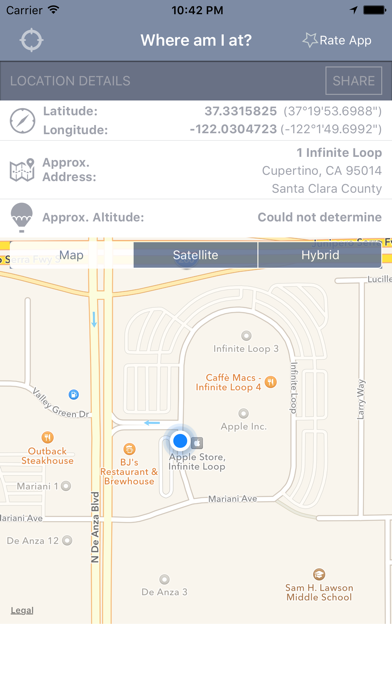
Display current coordinates, address, county, and altitude for exact location. Scroll the map to navigate and track surroundings. Open the to instantly view position details.
For the moments when you have to ask yourself, “Where am I?”, the Where Am I At app is there to help!
Simply open the app to have your iPhone or iPad device instantly zoom in on your position. Coordinates, address, and even altitude will be displayed so you know your exact location.
Key Features:
- See your location automatically just by opening the Where Am I At app.
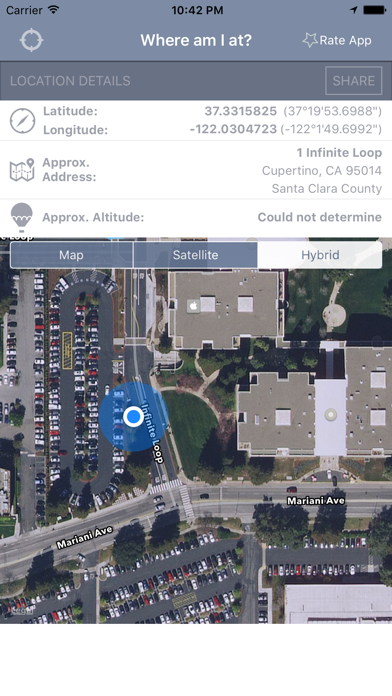
- View your exact coordinates, approximate address, county information, and altitude.
- Scroll around the map and keep track of your position while moving.
- Zoom feature lets you take a closer look or get a bird's eye view of your location.
- Choose between Map, Satellite, and Hybrid view.
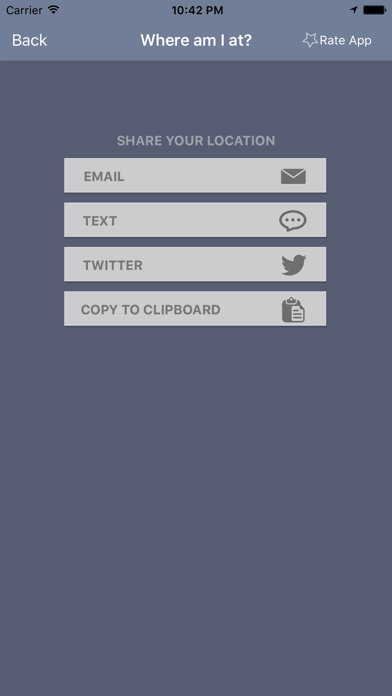
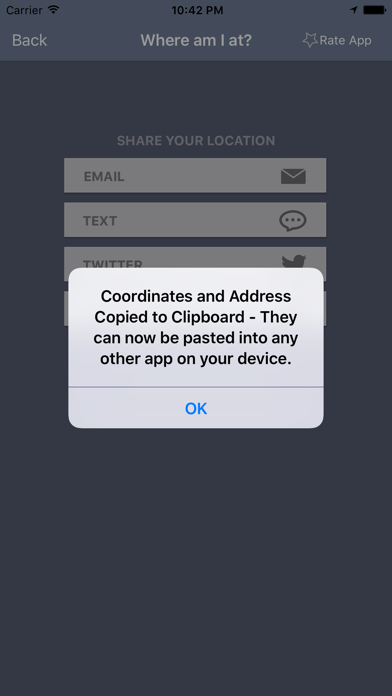
- Easily copy your longitude, latitude, and address to the clipboard to paste elsewhere.
- Share your location on Twitter, by email, or through text/iMessage without leaving the app.