
MyFax App–Receive & Send Fax
And receive faxes from your device
Consensus Cloud Solutions Canada ULC
iPhone Screenshots
iPad Screenshots



Description
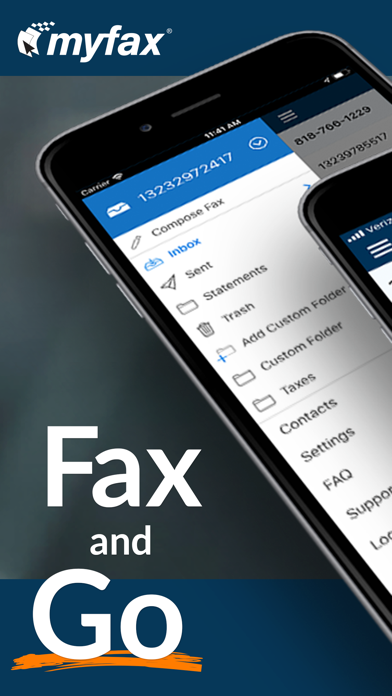
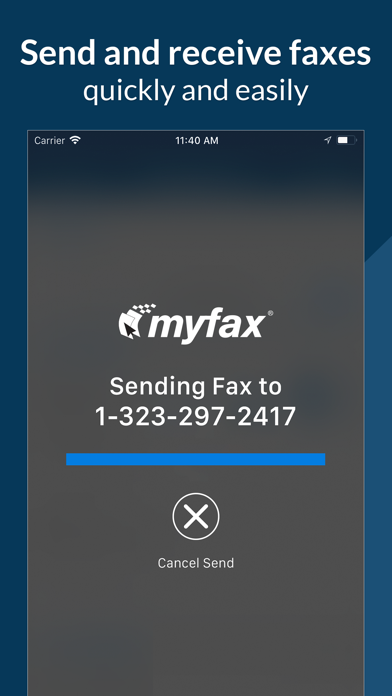
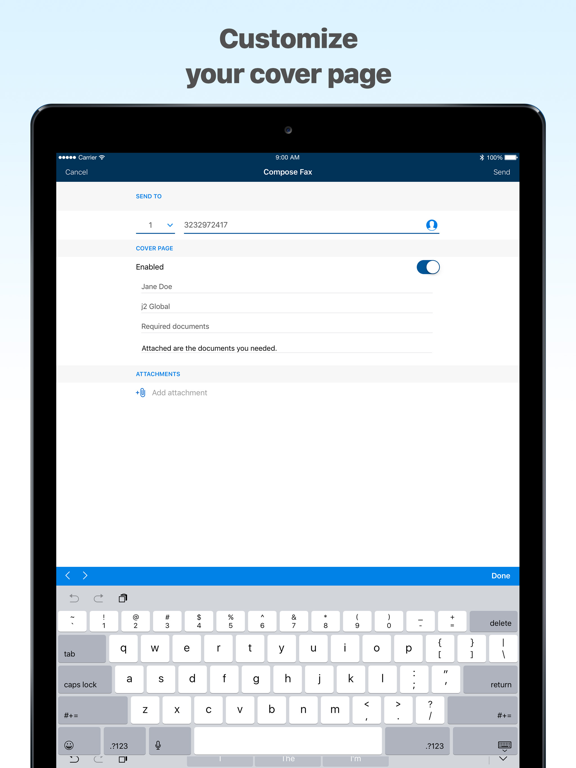
Receive and faxes from iPhone or iPad without a fax machine. Upload files from Dropbox, Box, or Drive, or scan with camera. Store faxes as PDF online. Print using AirPrint. Fax via email or website. Includes 24/7 support.
Receive and send and receive faxes from your iPhone or iPad with MyFax!
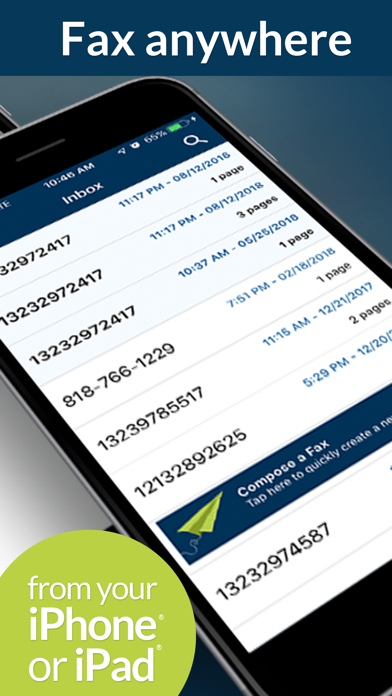
- Fax online from your mobile device, anywhere, at any time
- No fax machine required
- Send and receive up to 300 fax pages per month
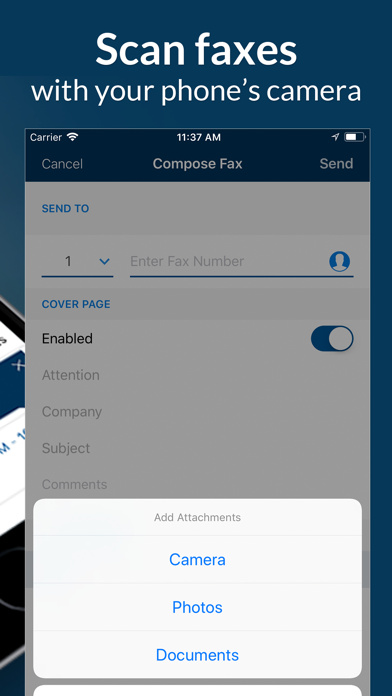
- Upload files from Dropbox, Box or Drive, or scan faxes with your camera
- Store faxes conveniently online as PDF with cloud storage
- Print faxes using Apple AirPrint
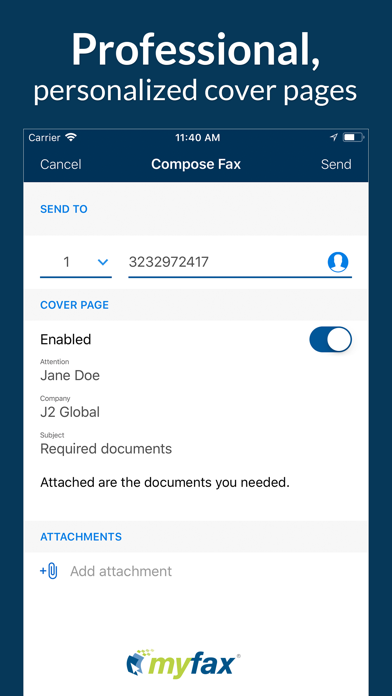
- Includes options to fax-by-email or from the MyFax website.
- 24/7 Support
The fax app is included free with any MyFax subscription. New users can sign up in the app and start faxing in minutes.
MyFax subscription details:
$12.99 (USD) per month. Includes 300 combined inbound and outbound fax pages monthly. Subscription will automatically renew monthly until you cancel. Once you complete your in-app purchase, your subscription fee will be charged through your iTunes account. Manage your subscription and turn off auto renewal in your iTunes account. Monthly subscription will renew automatically unless your subscription is canceled through your iTunes account and auto-renew is turned off 24-hours before the end of the current period. Accounts will be charged $12.99 for monthly renewal within 24-hours prior to the end of the current period. No cancellation of the current month allowed during the active subscription period.
If you’re wondering how to fax from iPhone, look no more. Sign up now and enjoy hassle-free faxing with MyFax!
We appreciate your Myfax app reviews and feedback.
https://www.myfax.com/legal/terms
App information from Apple App Store. MyFax App–Receive & Send Fax and related trademarks belong to Consensus Cloud Solutions Canada ULC.