
Attenuator
Calculate output voltage and power after attenuation
Tim Burrow
iPhone Screenshots

Description
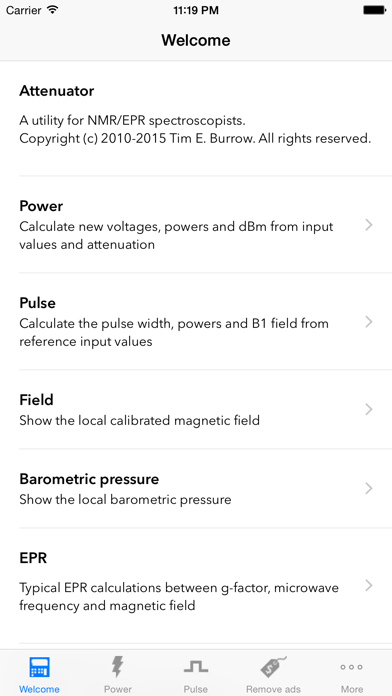
Calculate output voltage, power, and attenuation based on input voltage and dB loss. Specify impedance for accurate results. Convert between Watts, dBm, and dB values. Calculate NMR pulses using reference power and pulse length.
Attenuator is a utility for anyone working with radio frequency sources and needs to know power and voltage after attenuation.
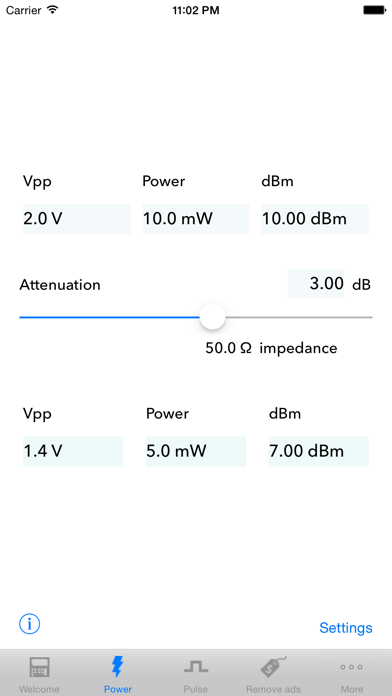
You can specify an input voltage (Vpp or Vrms) and dB of attenuation to get the output voltage, power and attenuation. The impedance can be specified, typically 50Ω for most systems.
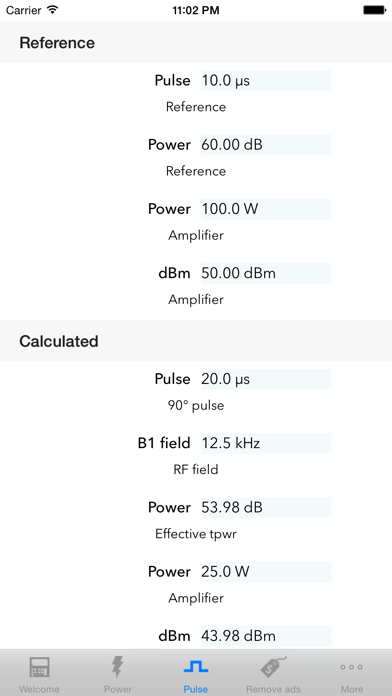
There is a new emphasis on NMR utility, with options for calculating pulses based on reference power and pulse length. Powers are in Watts, dBm, and dB values.
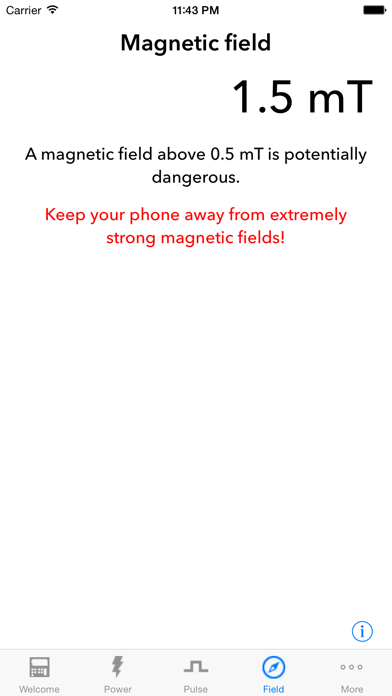
Measure local magnetic field to check stray static fields from magnets.
See the local barometric pressure, useful if the magnet boil-off is high