
iPhone Screenshots
Description
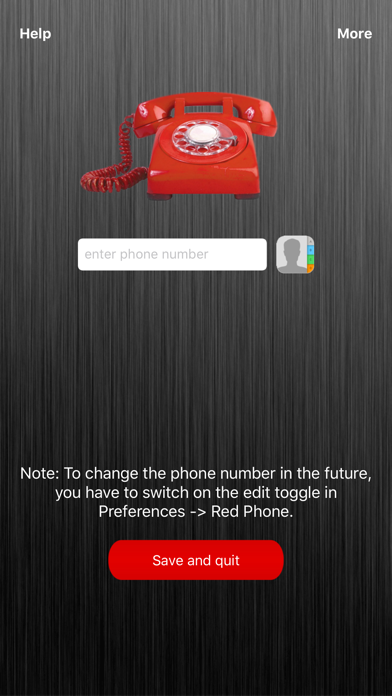
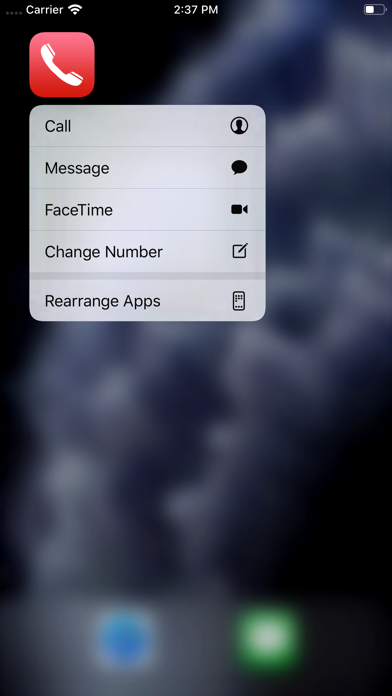
The app allows users to select a specific phone number for one-click calling from the home screen. Users can change the selected phone number through the app's preferences.
Red Phone - the One Touch Call App
Presidents around the world, Stargate®-General Hammond or Batman® use it.
Now, it's also available for iPhone.
How it works:
1) The first time the app is launched, a specific phone number can be selected.
2) After that, you can do one-click calls from your home screen to the selected number.
3) If you want to change the phone number, you have to switch on the edit toggle in Preferences -> Red Phone.
Enjoy this great, helpful App!