
iPhone Screenshots

Description
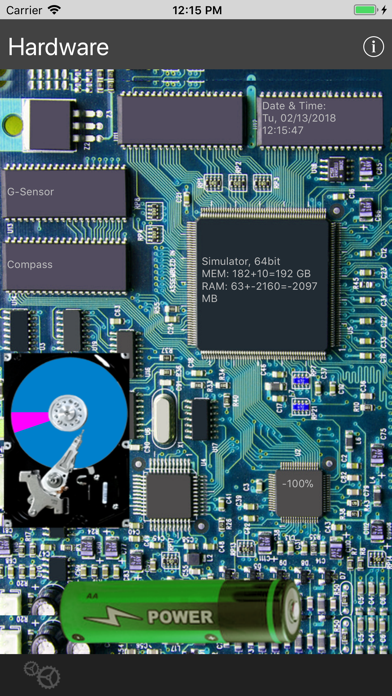
Look on the Hardware inside your iPhone, iPod Touch or iPad. There you see several circuits and values from the sensors: Date/Time, GPS, G-Sensor, Compass, CPU-Frequency, Memory, RAM, Battery. At a glance there are 6 windows with detailed informations.
Functions and Display:
Click on the single Circuits to see more.
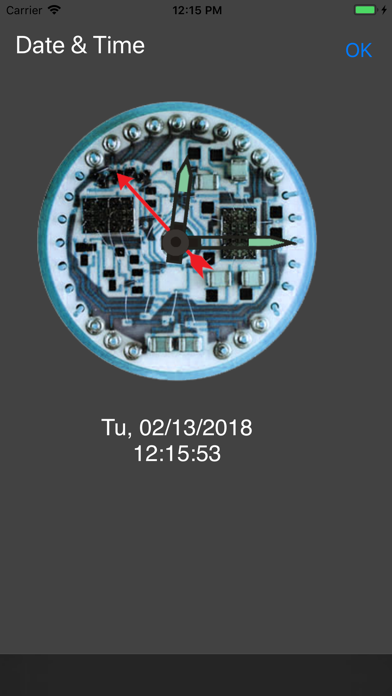
1) Date and Time > Analog and digital Clock
2) GPS: Coordinates, Altitude, Speed, Map
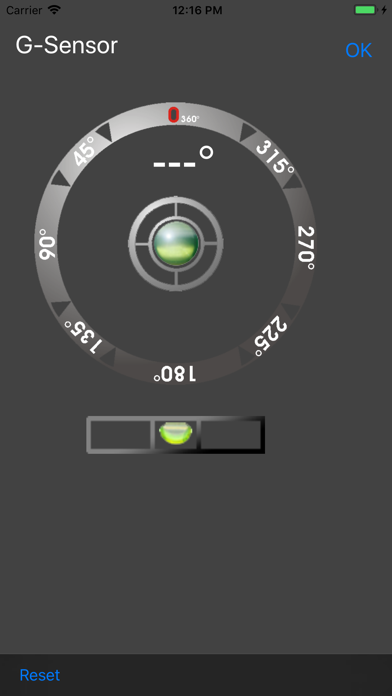
3) G-Sensor: Angular measure, Bubble-Level
4) Compass: geographical, magnetical, GPS
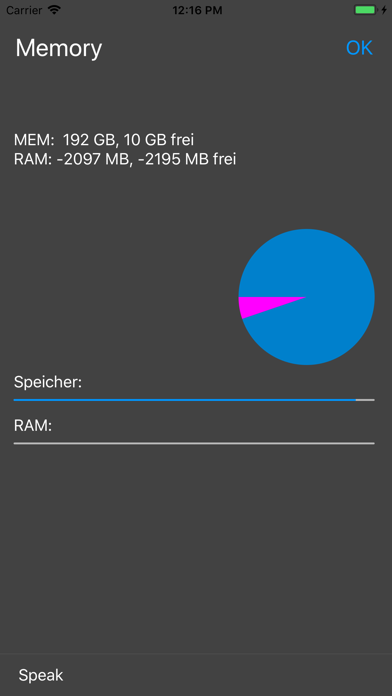
5) Memory: Memory, RAM
6) Battery: Capacity in %, time left on different applications
Hints:
- Compass based on GPS (at movement) or the Compass-sensor of the iPhone 4 and higher
- The Background-Picture (Board) shows not the real Hardware of the iPhone/iPad.