
OxBlue Camera Viewer
View projects and monitor cameras remotely
OxBlue Corporation
iPhone Screenshots

Description
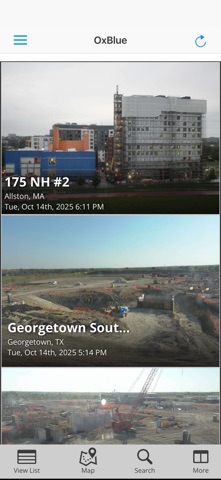
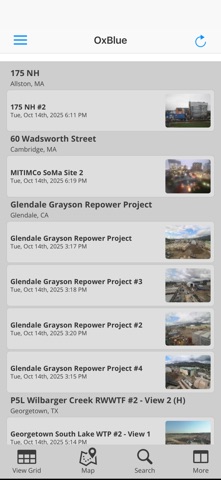
View project footage from active and completed jobsites via a centralized dashboard. Zoom in or out on high-resolution images to inspect job site details. Search for specific images by date and time.
PLEASE NOTE: This application is for OxBlue clients and is designed only for use with access to OxBlue construction cameras.
The OxBlue Camera Viewer lets you access your OxBlue construction cameras using your iPhone or iPad. Now you can view and monitor all your projects even when you’re on the go!
Features:
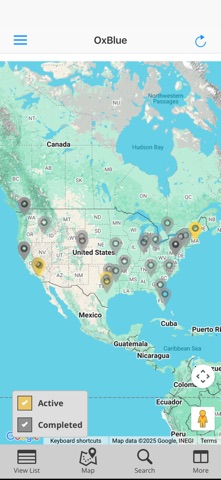
- Access all your projects – active and completed – from the dashboard
- Zoom out, zoom in on high-resolution images to see jobsite details
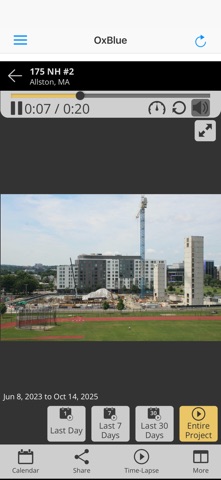
- Quickly locate any image from any date and time using our visual calendar
- Review progress with high-definition time-lapse movies
- See current weather conditions at your jobsites
- Easily share jobsite photos via email
To begin, install the app then enter your username/password or OxBlue Open link for your camera.
To find out more about OxBlue construction cameras, please visit https://www.oxblue.com