FreezingBlue Flashcards
Create and study digital flashcards easily.
David Skelly
iPhone Screenshots
Description
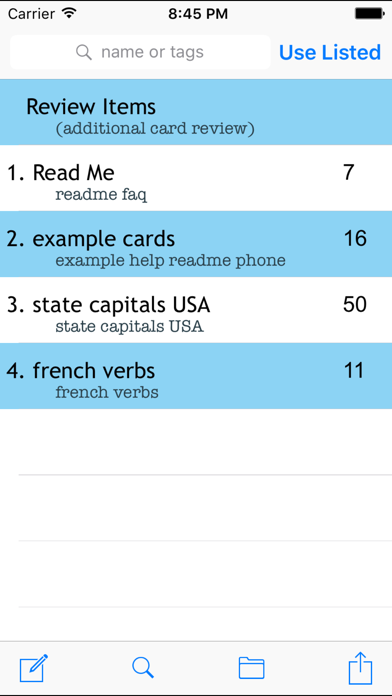
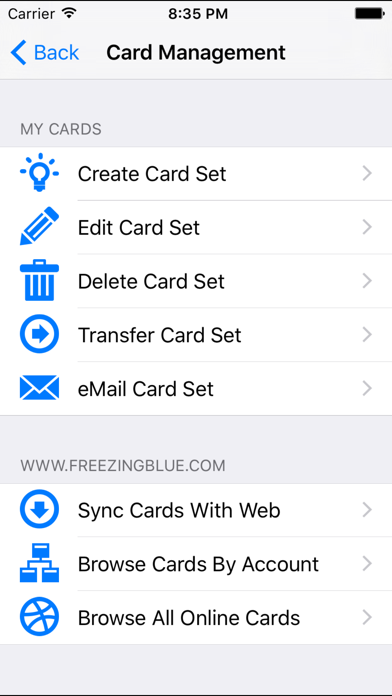
The app allows users to create and edit digital flashcards on their iOS device or via a free web interface. Users can share cards, mix and match card sets using keywords, and choose from five study modes with 14 customizable options.
Create your flashcards and carry them around in convenient digital format. Perfect for studying on the go! This application has powerful features made for the student who's serious about studying.
SHARE your cards and study with friends!
Please visit https://freezingblue.com/flashcards/ for screenshots, tutorials, and more information.
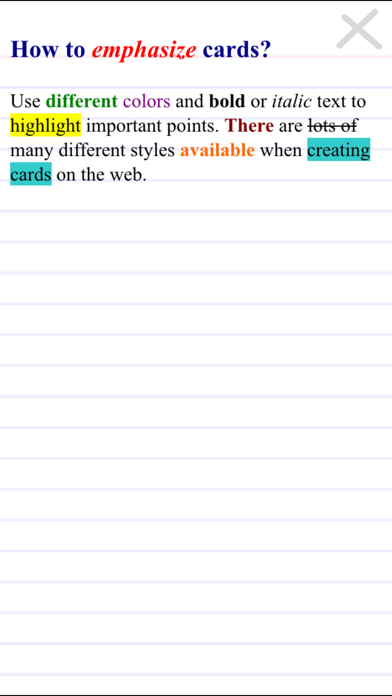
Easy card creation on the web, including colors, font styles, images and more! See the examples page for study ideas.
Features-
* Create and edit flashcards directly on your iOS device.
* Create cards using the free web interface at https://freezingblue.com/flashcards/ and download directly to your phone.
* Images supported through the web interface.
* Landscape or portrait mode for viewing cards.
* Full screen, easy to read layout.
* Tag your card files with keywords. Then search cards according to keywords.
* Mix and match your card sets. Eg: study all cards with the keyword 'french', or study all cards with the keyword 'vocab', or study all cards with the keywords 'french vocab'.
* Unicode support for multiple languages.
* Multiple choice questions automatically scrambled.
* 5 study modes:
# Preview - preview all cards at once
# Skim - flips through cards
# Medium - repeats cards you get wrong
# Thorough - repeats problem cards more often
# Test - runs through the cards once and tells you how you did
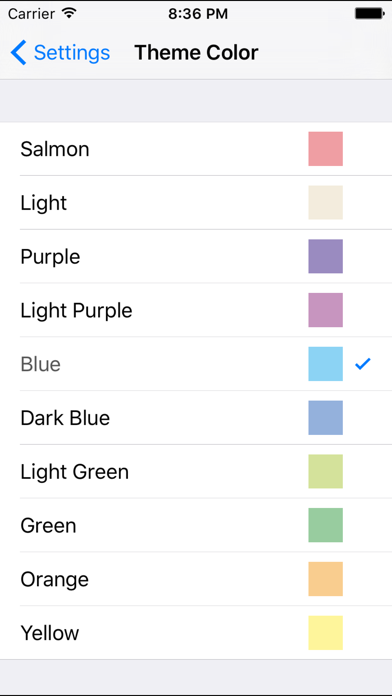
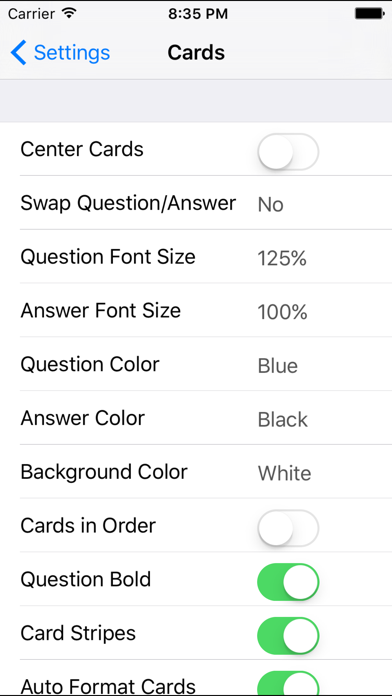
* 14 customizable options so you can study your cards the way you want
# Swap Question/Answer
# Question Font Size
# Answer Font Size
# Question Color
# Answer Color
# Question Font
# Answer Font
# Show Cards In Order
# Card Stripes
# Background color
# Autoformat Cards
# Right or Left Handed
# Animation Speed
# Center Cards