
iPhone Screenshots
Description
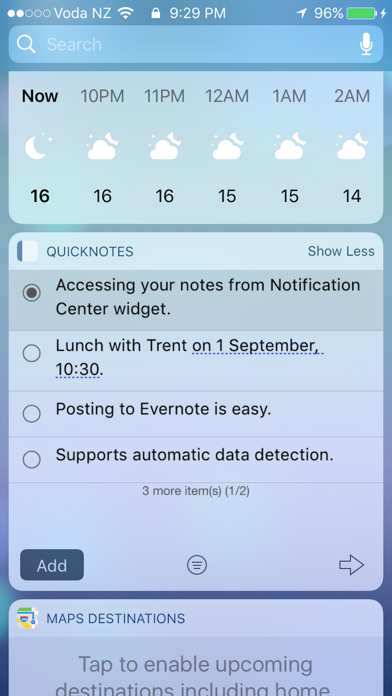
Display in Notification Centre. Create and save within the . Access anytime via the Notification Centre . Enable the through the Notification Centre settings.
This app enables you to display notes in Notification Centre.
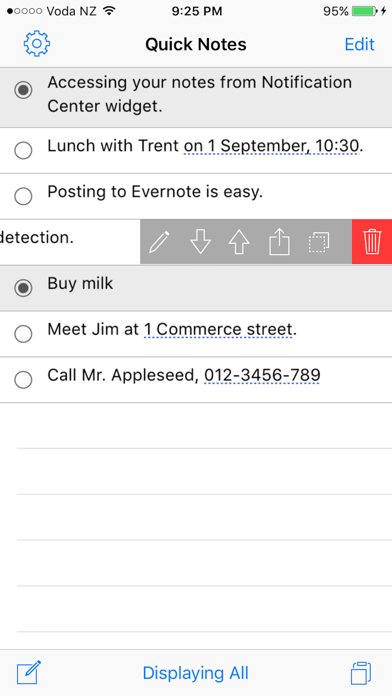
Take some notes in this app then you can read them anytime from Notification Centre Widget.
【How to install widget】
[1] After downloading this app, open Notification Center by swiping your finger from the top of the screen towards the bottom of the screen.
[2] Tap "Edit" then enable "QuickNotes"