
iPhone Screenshots
Description
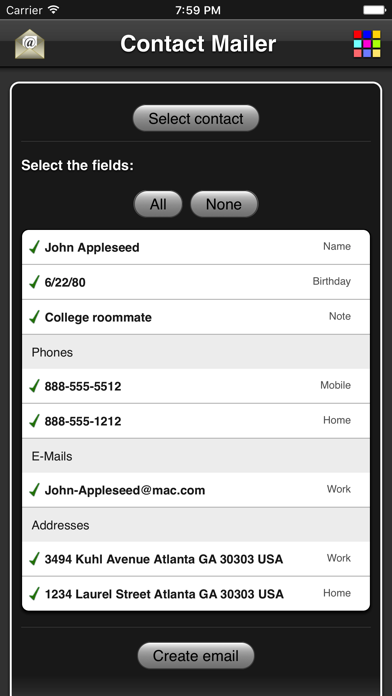
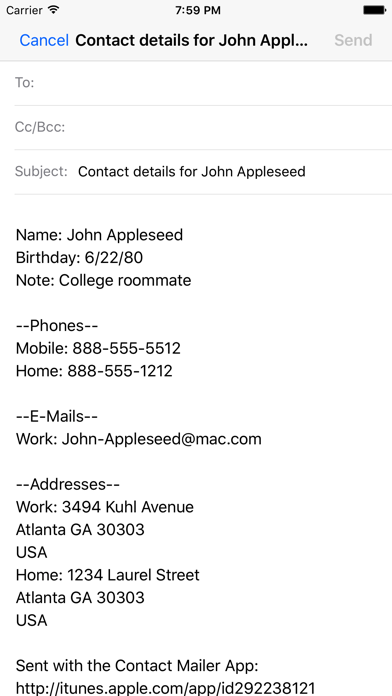
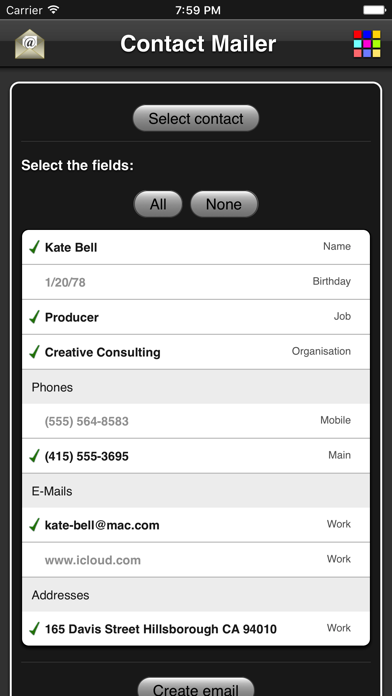
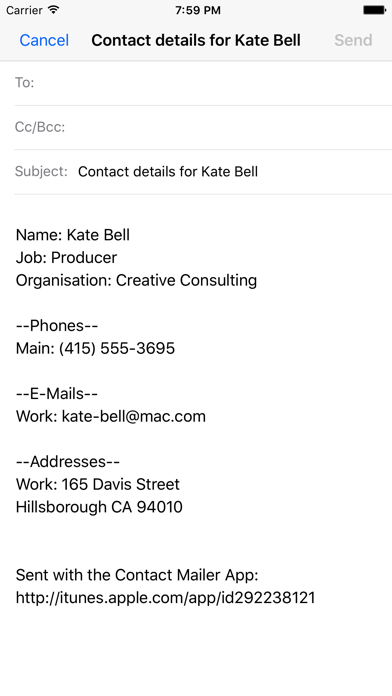
The app creates an email using contact details from the user's address book. Users select a contact and choose which details to include before generating the email content.
Create an email with the details of one of your contacts from your address book:
- Select the contact.
- Choose the contact details you want to send.
- Press the Create email button which opens the email application where you can choose the receiver and finalize the subject and body text.