
iPhone Screenshots

Description
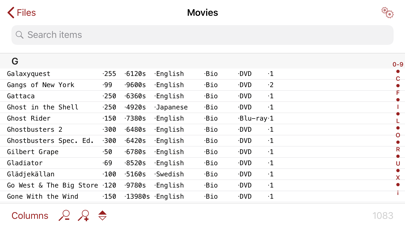
Manage CSV files by searching, sorting, and browsing data offline. View and edit entries, filter results, and organize collections. Import CSV files from devices or cloud storage. Export data in various formats and sync changes across devices.
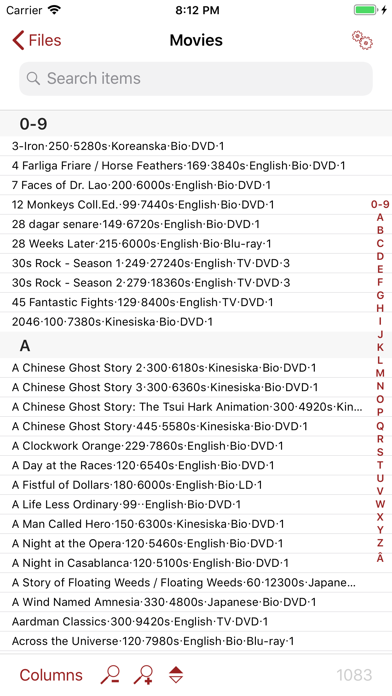
Do you have a database, library or collection which you need to use on-the-go, even when you don't have web access? If you do, this is the application for you. Using CSV Touch you can easily search, sort and look through your collections when away from your computer. So start carrying your DVD and CD library, your book collection, your wine testing notes, or any other database, library or list with you!
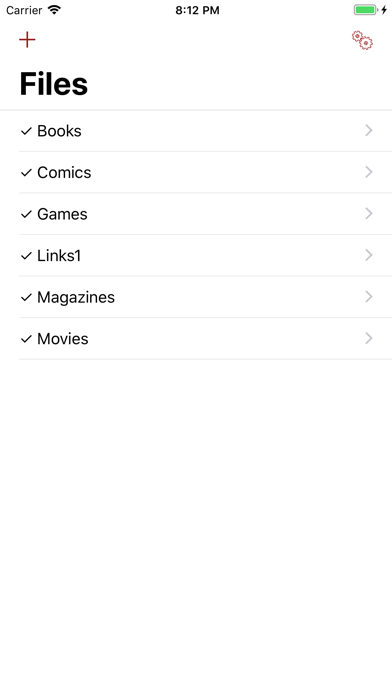
CSV Touch works by reading CSV files, a file format which almost all databases and applications like Excel, Filemaker, Access, Bento and others can export to. To get the CSV files on your iPhone/iPad/iPod Touch, you can import them from the local 'Files' app and all the cloud storage it supports, from attachments, directly from the internet, and other ways. And if you download the files directly from internet, it is trivial to download again in case the file has been updated (manually or at regular scheduled intervals). Once read, the app allows for highly customised ways of how to look at the data.
Note that CSV Touch does not allow editing of your database; it is intended to be a versatile app for searching and visualising your data. See http://csvtouch.wordpress.com for more information and screenshots. If you think CSV Touch might be for you but are not sure, you can try CSV Lite which is free but restricted (only 1 CSV file with 150 items).
FEATURES
- Download CSV files from almost anywhere
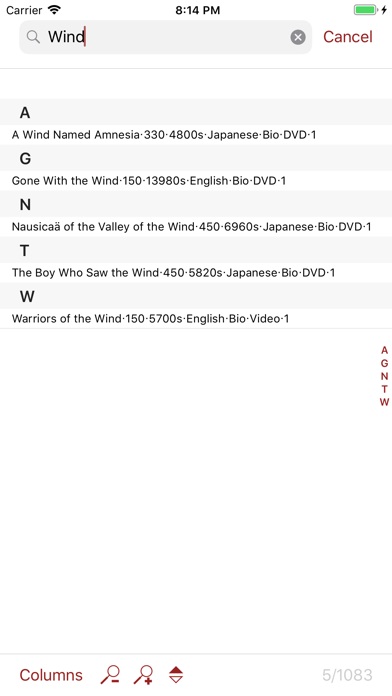
- Fast search and sorting of items
- Support for links in your data (click web address to open Safari, phone number to make a call, email address to open Mail)
- Support for showing pictures from the web inside the application (requires internet connection)
- Handles any number of files
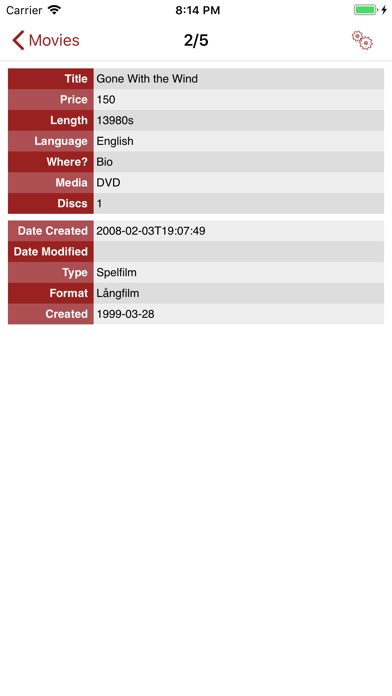
- Custom CSS support for visualising single items
- Supports ",", ";", "|", space, or tab as column separator
- Handles all languages, including Japanese (requires UTF8 encoding; other encodings might also work)