
iPhone Screenshots
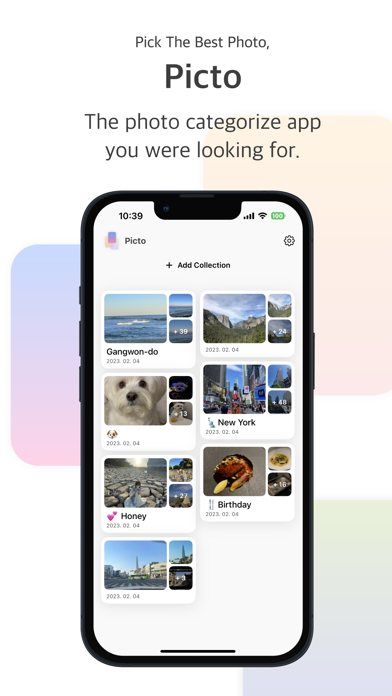
Description
Have you ever wondered what kind of photos to post?
Do you take a lot of similar photos and can't organize them?
Rate your photos through Picto and pick the best ones!
:: How to use Picto ::
1. Select photos to organize.
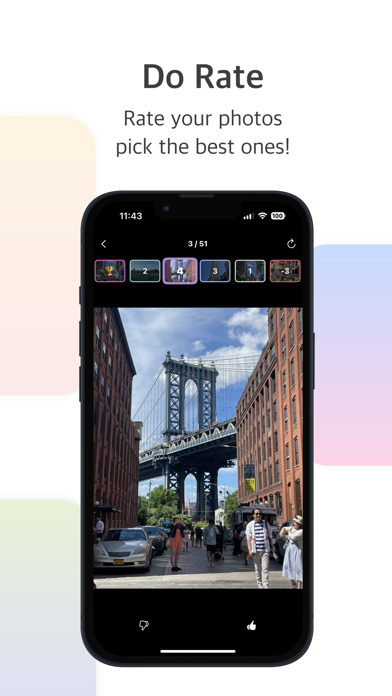
2. Depending on your mind, You give a score on which photo is better.
3. Repeat several times and see which photos the highest score.
4. Create a new Collection with the organize photos or post on SNS.
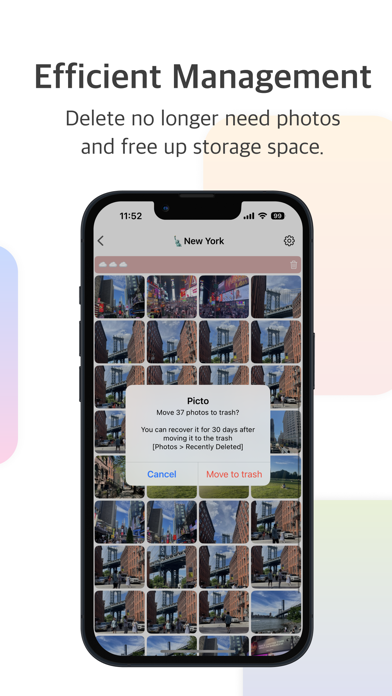
5. Delete low-scoring photos and free up storage space.
:: Main Features of Picto ::
► Easy photo comparison
You can quickly compare with other photos by swiping left/right or single touching.
Unlike iPhone Photo apps, instant comparison is possible without moving animations.
In addition, it is possible to compare even if it is zoomed in.
► Score your photos
Select photos to compare and rate by 1 point through the bottom buttons. (+/-)
You can check the +5 rated photos and create a new collection.
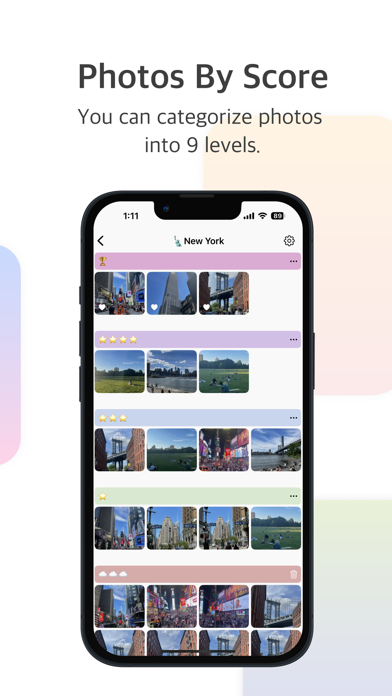
► Categorize photos by score
You can categorize photos in a total of 9 levels, from a maximum of +5 points to a minimum of -3 points.
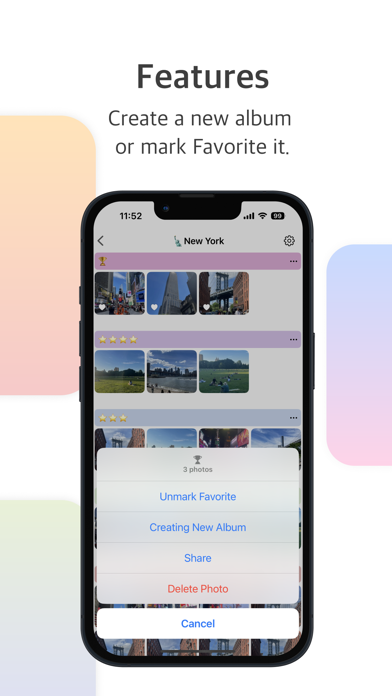
You can also create new collection by categorizing them, or mark favorite in the Photos app.
► Bundle deletion support
After scoring, you can also immediately delete photos that no longer need from the app.
Erase the photos that got -3 points at once.