
iPhone Screenshots

Description
Tutling lets students log on and access the best tutors for their courses.
The steps to sign up are as follows:
Students
- Download the app > select student > create a profile
- Indicate courses you want to be tutored on
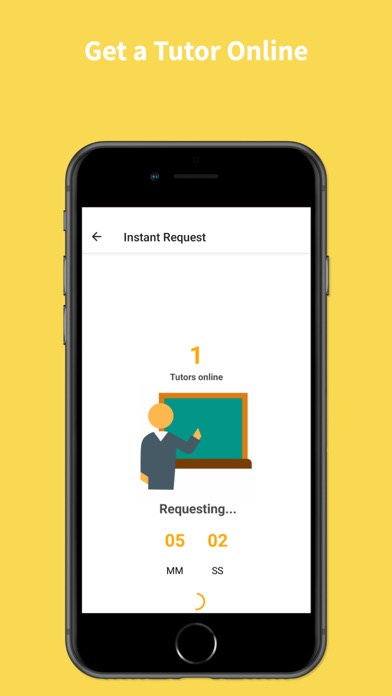
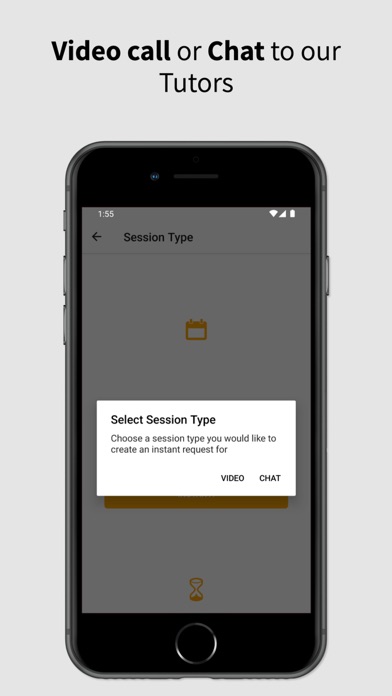
- Click request tutor > Then click for which course > select video or chat
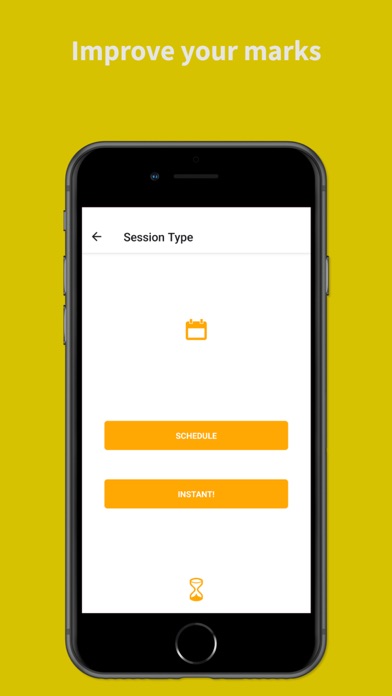
- The select instant or create an appointment for a later date
- Video sessions are on intervals of an hour and chat sessions 30 minutes
- You have an option of extending at the end of each lesson
Tutor
- To sign up as a tutor download the app > select sign up as a tutor > create a profile
- Select 3 courses you want to tutor from the dropdown menu
- Upload supporting documentation
- Wait for approval to tutor
- After confirmation of approval, requests will come, and you can accept and tutor from your comfort home.
For a full description of our privacy policy, please go to our privacy policy centre.