
My Two Rivers
Manage finances, track expenses, organize transactions
Two Rivers Bank & Trust
iPhone Screenshots
Description
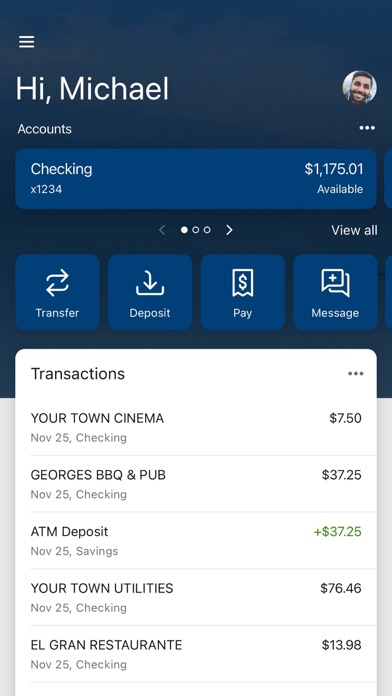
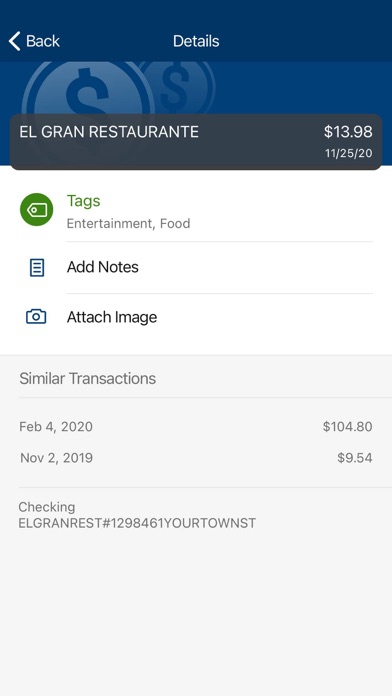
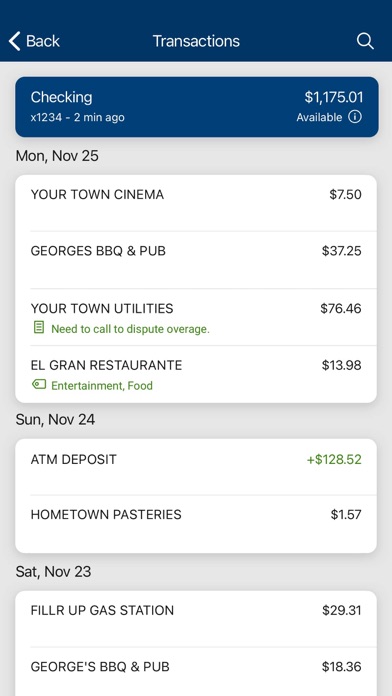
Manage finances with transaction tagging, notes, and receipt photos. Set balance alerts. Make payments to companies or individuals. View account details and transaction history. Securely access accounts and monitor financial activity.
The Two Rivers mobile app is your personal financial advocate. It’s fast, secure and makes life easier by empowering you with the tools you need to manage your finances – anytime and anywhere.
Here’s what you can do with the Two Rivers mobile app:
· Keep your transactions organized by allowing you to add tags, notes and photos of receipts and checks.
· Set up alerts so you know when your balance drops below a certain amount.
· Make payments, whether you’re paying a company or a friend.
· Transfer money between your accounts.
· Deposit checks in a snap by taking a picture of the front and back.
· Reorder your debit card or turn it off if you’ve misplaced it.
· View and save your monthly statements.
· Find Two Rivers branches and ATMs near you.
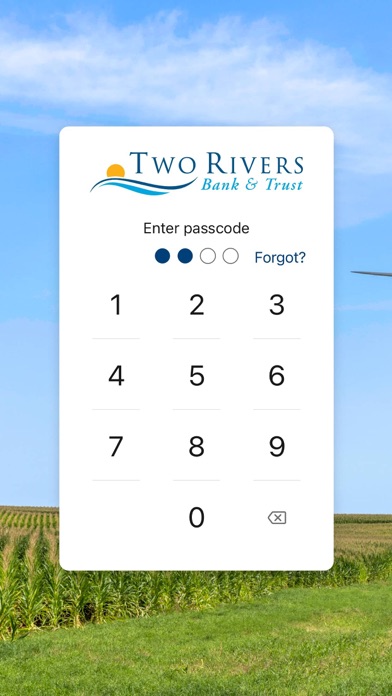
Secure your account with a 4-digit passcode or biometric on supported devices.