
iPhone Screenshots



Description
Clipboard Helper:
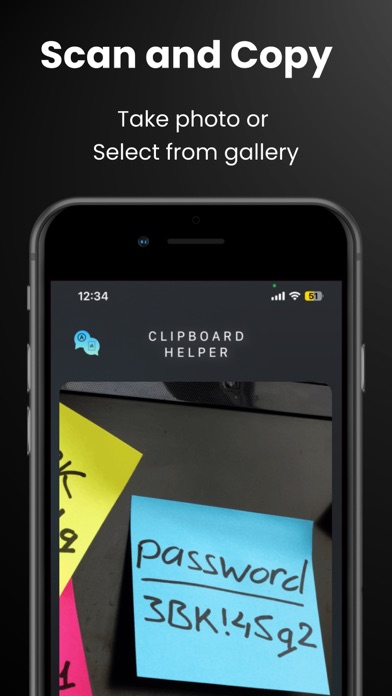
Detect and extract text from images in seconds — whether using your camera or gallery. Copy Assistant supports 5 major alphabets (Latin, Japanese, Korean, Devanagari, and Chinese), making it ideal for multilingual use.
Seamlessly copy detected text to your phone’s clipboard with a single tap. All copied items are saved automatically and accessible from your text history, where you can:
* Easy to Copy Clipboards
* Edit and merge multiple copied texts
* Favorite important entries
* Instantly copy again when needed
Designed to be lightweight and powerful, Copy Assistant is your daily productivity companion for OCR and quick copy-paste workflows.
Key Features:
* Real-time text recognition via camera
* Image gallery OCR support
* Clipboard integration
* Multi-language alphabet detection (Latin, Japanese, Korean, etc.)
* Copy history with editing and favorites
* Merge and manage copied texts easily
Perfect for students, professionals, travelers, or anyone who deals with text on the go.