
iPhone Screenshots


Description
Quick Icon - create custom icons for your app.
How to use:
1. Go to the home page of the app and tap the screen;
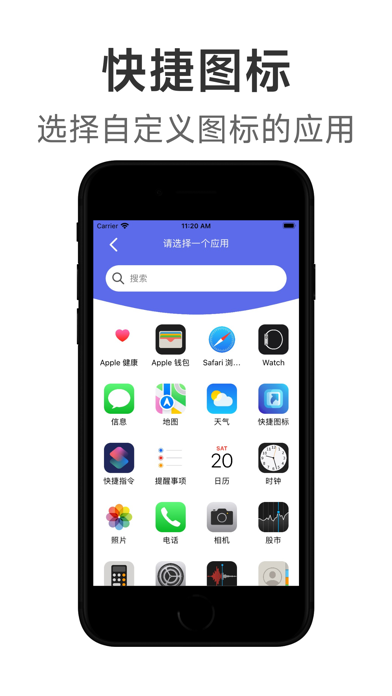
2. Find the app you want to create an icon in the list of apps and click on it;
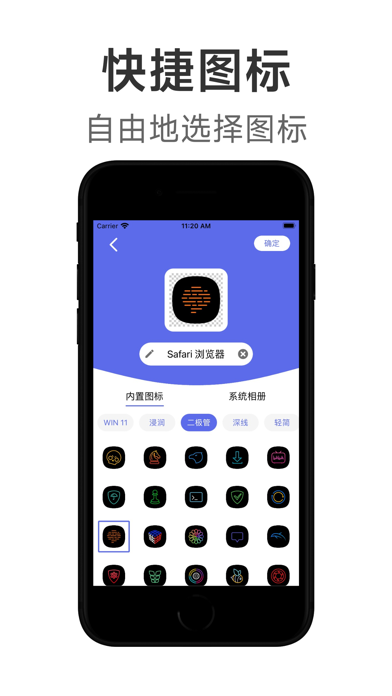
3. Select an icon from the built-in icons, or select an image from the camera and album as the app icon, and click Confirm;
4. Click Share in Safari and add the icon to the home screen;
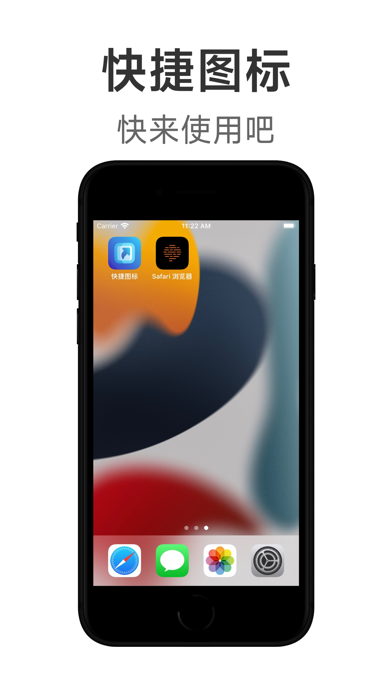
5. When you return to the desktop, you will see the created icon, and you can click to open the application to use it.
App information from Apple App Store. Quick Icon - Change App Icon and related trademarks belong to 宇平 张.