
HELPme Admin
Ask for help, access resources, track progress
Lightspeed Solutions, LLC
iPhone Screenshots


Description
Access resources for self-help, including guides and tools to build confidence in seeking support. Practice asking for help through interactive prompts and feedback. Connect with trusted contacts for guidance and encouragement.
Delivered on a highly configurable mobile platform, HELPme provides support and resources to students, families, and staff using a healing-centered interface. The HELPme app trains all school users on the importance of asking for help, recognizing asking for help as a critical life skill, and providing a safe way to practice asking for and receiving help from one’s first interaction with the school.
HELPme Provides 3 Ways to HELP based on the user’s level of trust.
1. Self-Help: Get Resources
2. Help from a Trained Crisis Counselor: Crisis Text Line
3. Help from your School or Community: Get Help
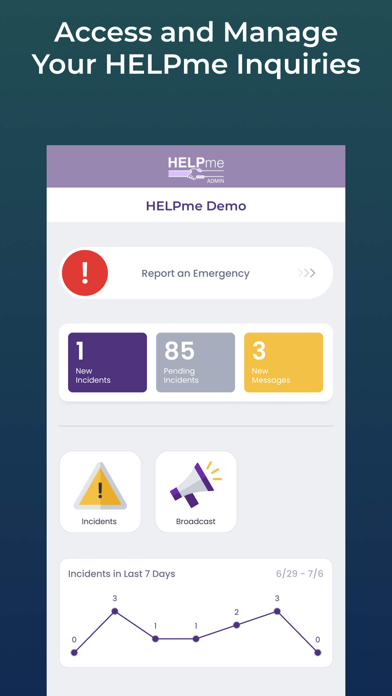
The HELPme Admin app allows authorized HELPme administrators to access and manage inquiries from their mobile devices. All of the inquiry management features of the desktop interface are available in the app:
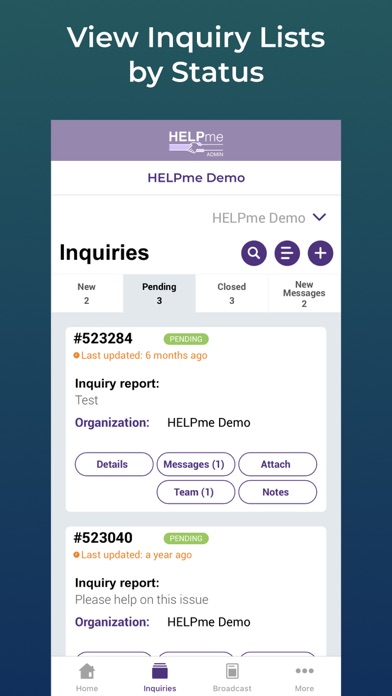
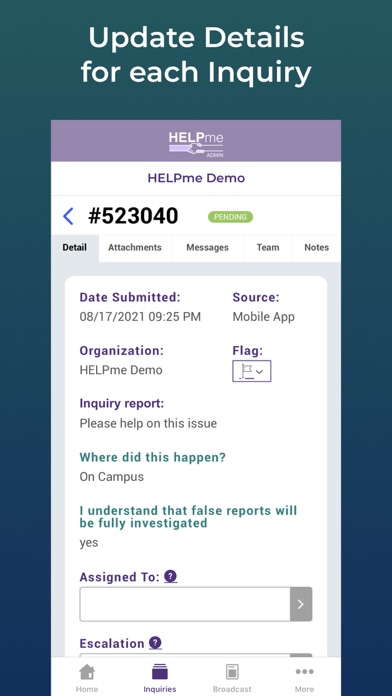
- List inquiries by statusView details of an inquiry
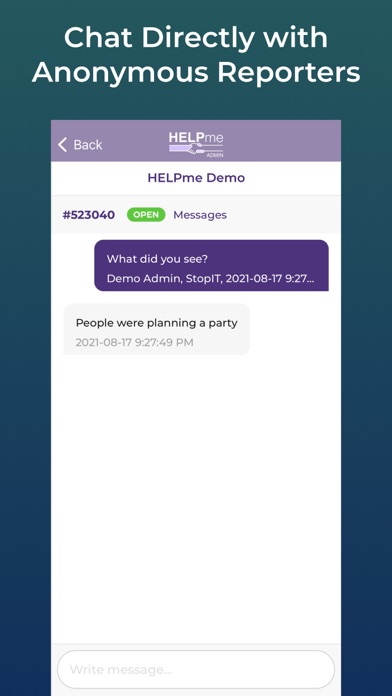
- Chat via private messenger with inquiry reporters
- Update type, status, target, perpetrator, labels, actions taken
- Assign inquiries to people or groups
- Escalate inquiries
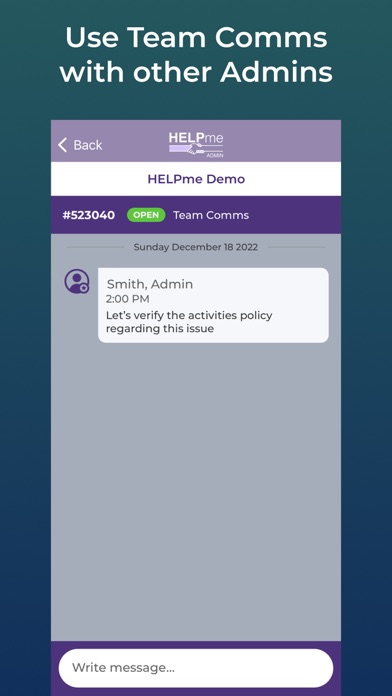
- Team communications
HELPme Admin remembers your login, so you don’t have to re-enter it every time you want to manage inquiries.
Stay informed with push notifications to your mobile device. New inquiries, new messages, and new assignments help you stay up to date on HELPme activity.
The built-in HELPme Messenger gives administrators handling inquiries direct communication with the people who sent in the reports.
Download the HELPme Admin app for free and use your existing administrator login.