
Tri Counties Mobile Banking
View accounts, transfer funds, pay bills, deposit
Tri Counties Bank
iPhone Screenshots





Description
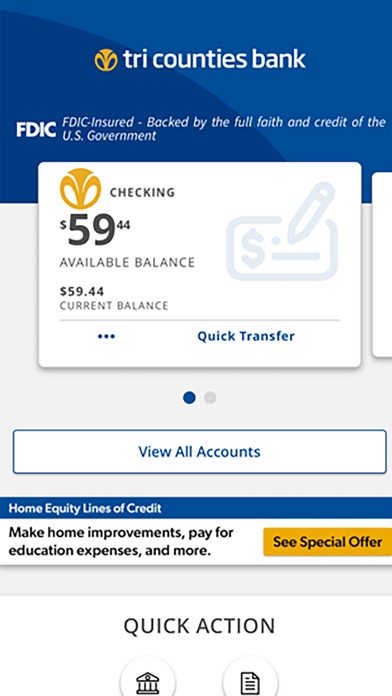
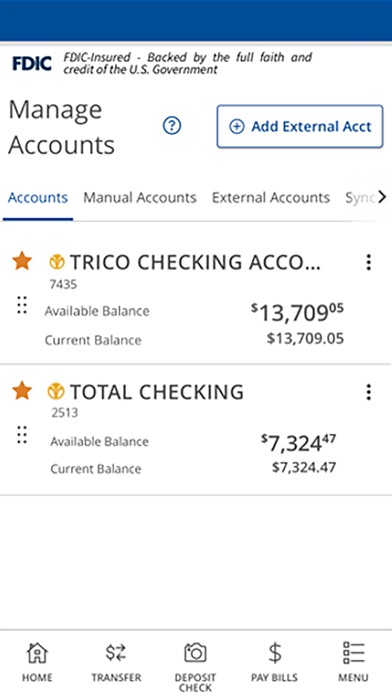
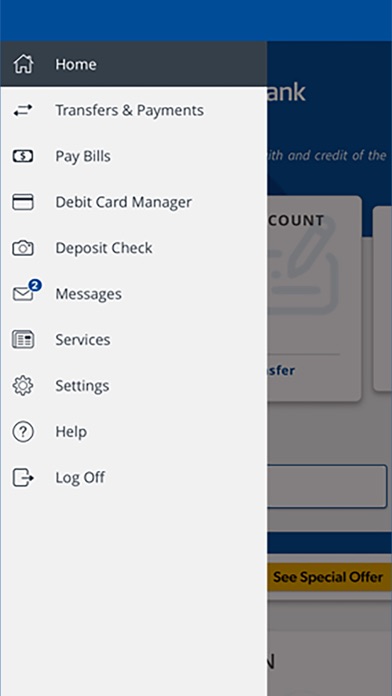
View account balances and transaction history. Transfer funds between accounts. Pay bills directly. Locate ATMs and branches. Deposit checks via by capturing front and back images. Submit deposits for approval.
Mobile Banking from Tri Counties Bank
Manage your accounts from your mobile device when it is convenient for you. It’s fast, secure and free.*
• View account balances
• View transaction history
• Transfer funds
• Pay bills
• Search for ATM and branch locations
• Deposit checks
Mobile Deposit
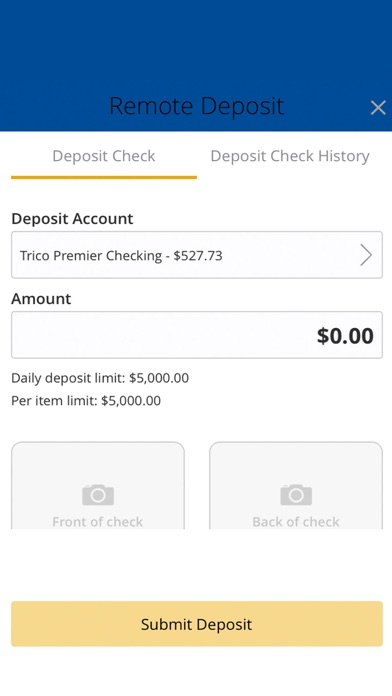
Start depositing checks from anywhere. Simply take a picture of the front and back of your endorsed check, and then submit it for deposit to your Tri Counties Bank checking or savings account.
Eligibility and Requirements**
• A Tri Counties Bank account
• Enrollment in Tri Counties Bank Online Banking
Security
Tri Counties Mobile Banking App protects your financial information from unauthorized access using:
• Secure logon with User ID and password
• Advanced encryption technology
Support
Contact Tri Counties Bank by phone at 1-800-922-8742
http://www.tricountiesbank.com
* Deposit limits and other restrictions may apply. For full details, please refer to the Tri Counties Bank Mobile & Online Banking User Agreement. **Tri Counties Bank does not charge fees to download or use the Mobile App. Your mobile carrier may charge for text messaging and web access services. Check with your carrier for information about their fees.
Member FDIC