Description
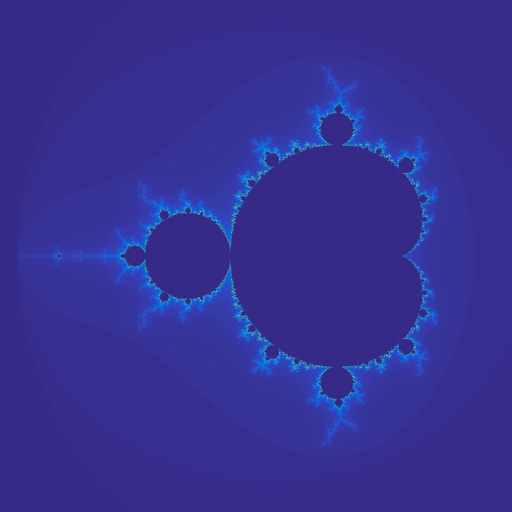
The app provides with a set of options to navigate through the Mandelbrot set in iPad. Starting from the initial range, you can zoom into a selected range and choose the color scheme and the maximum iterations. If you like the finding, you can save it for the furtuer navigation and/or share it.
* When first installed, an item with the default region will be created.
* Select an item from the list to see the Mandelbrot set within a region
- Color map, maximum iterations, and generator can be changed to generate a new image. Once updated, the save button will be enabled, so the changes can be saved.
* Click "Explore" to open a scene to navigate down the chosen region.
- The image on the right will display the region of the chosen item with a white box, which can be dragged and pinched.
- The image on the left will display the region within the white box.
- Color map, maximum iterations, and generator can be changed to recalculate the Mandelbrot set within the white box and to update the image on the left.
- If you like the result, you may save it to further navigate down.
- By clicking "Reset, the white box will be moved back to the original position with the original size.
- As navigating down to smaller regions, try to increase the maximum iterations and to use cpu as the generator, which would make it longer to generate a new image.