
iPhone Screenshots



Description
The iVault application stores the data that you do not want to appear on your phone with a password.
Features
- Hides photos and videos; It stores and protects the photos and videos you add to the vault. It does not appear in the gallery.
- Private browser; your personal history, favourites.
- Alerts; If someone tampers with your vault, they will instantly take a photo and store it, you will see it when you open the app.
- Contacts; Your private guide can only be accessed with a password.
- Shapeshifter; Changes the app's icon and app name. It's a nice way to keep prying eyes away.
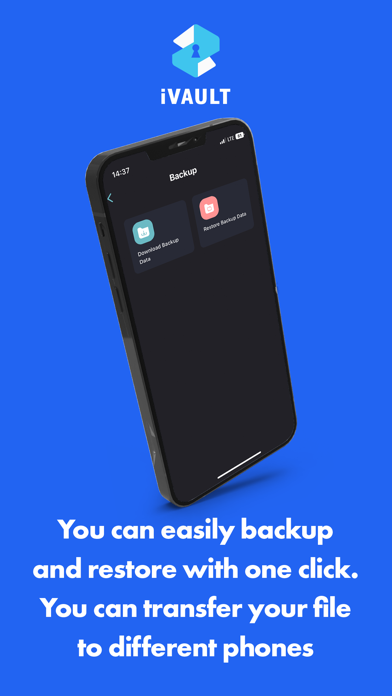
- Backup; With one click, you can instantly back up all your files, and you can open the backup on ios and other devices. There is no incompatibility.
- Notes; You can store your private passwords and notes here.
In development
- Google Drive Backup; Automatically backs up your files to google drive cloud.
- Amazon S3 Backup; Automatically backs up your files to amazon s3 cloud.
- Microsoft One Drive backup; Automatically backs up your files to the one drive cloud.
- Fake account; If someone forces you to enter a password, fake content appears as if they were opened by entering the fake password.
- Home screen switching; Keypad, calculator, crypto exchange trading screen when opening iVault application, another way to keep it away from prying eyes.
Also, if you have ideas for development with the iVault: safe case, please send us your comments and suggestions to [email protected] via e-mail!