
iPhone Screenshots


Description
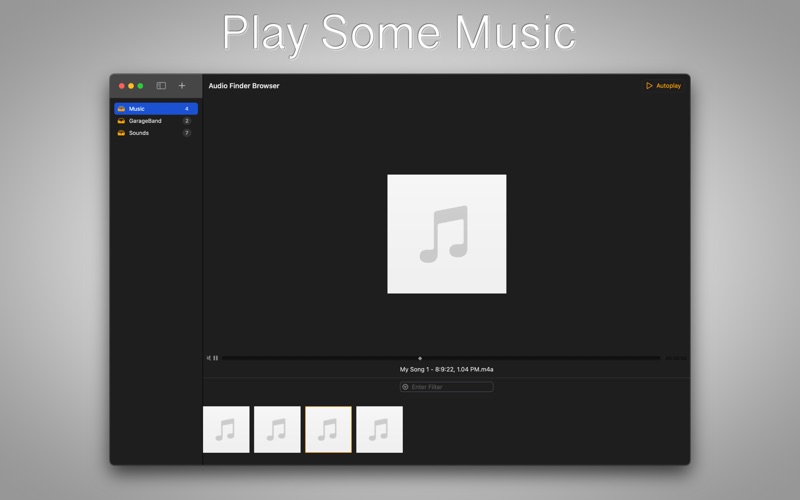
Audio Finder Browser is a great way to find audio files on your computer. Easily set directories to focus on and quickly explore audio files under folders or even under sub-folders. Audio Finder Browser includes a fast filter function, so you can find what you need as soon as possible.
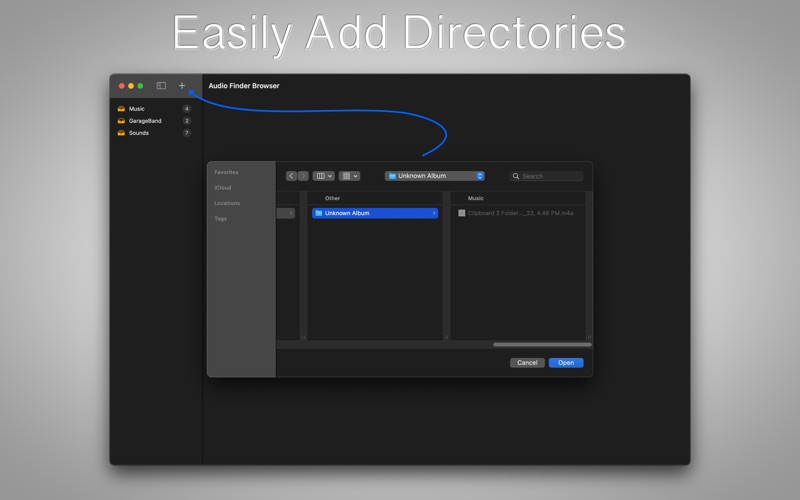
* Choose directories containing audio files.
* Audio playback
* Audio controls
Click + icon to choose a directory containing audio files.
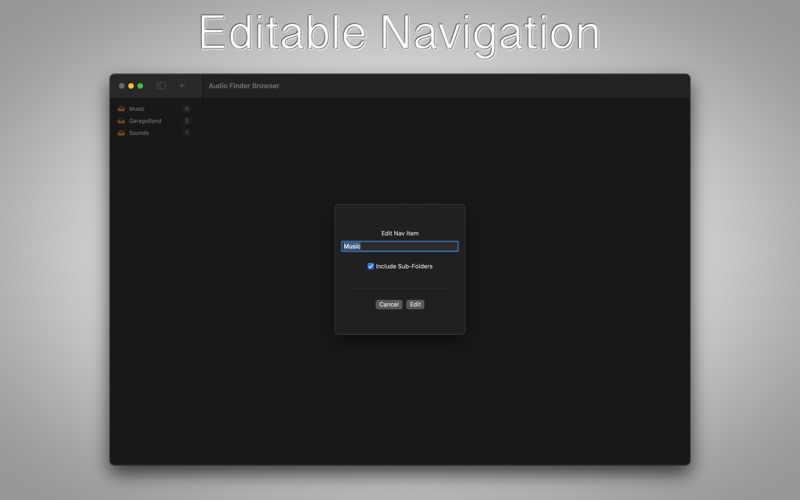
Enter in a name.
Click the newly created navigation item. This will load the main view.
Click an image along bottom row to view a larger preview.
Use Autoplay button to change autoplay behavior.
Standard play/pause, etc... controls.
Double-click large audio preview image to invoke QuickLook.
Double-click small image to open audio file in default application.
Right-click small image to open audio location using Finder.