E2PDF - SMS and Contact Export
Backup SMS to PDF or XLS
Dinh Doan Xuan
iPhone Screenshots
Description
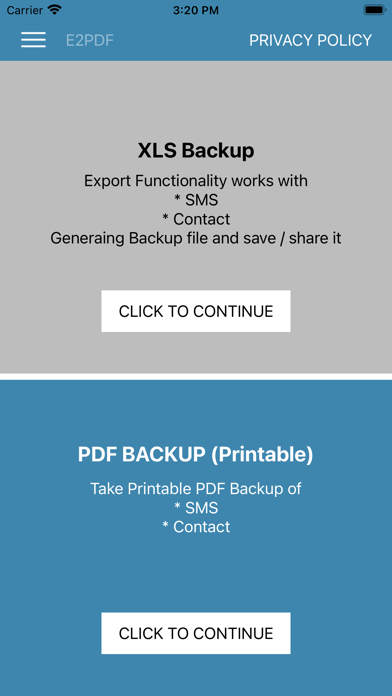
Backup and SMS and contacts as PDF or XLS files. Import screenshots of messages to create backups. Save contacts locally or share backups via email or cloud services.
Now you can get XLS or PDF backup of SMS and Contacts and you can instantly stored locally or you can share it anywhere.
DISTINCT FEATURES OF APP
1- SMS Backup your Favorite SMS Backup into PDF / XLS
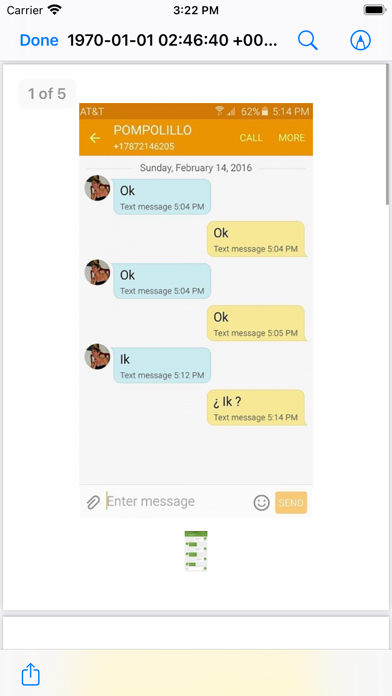
Simple use app, you just need to take a screenshot for all messages, then open this application and add your screenshots to the app and select backup with the desired file format.
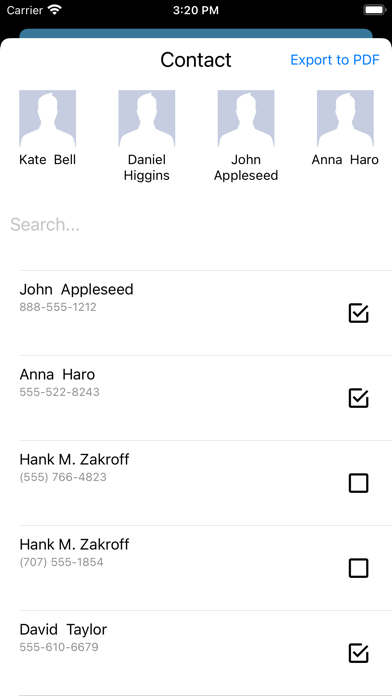
2- Contacts Backup
Allows you to take backup of your full contact once and then never loose that again. All you have to do is to one-click taking backup in PDF of XLS, whole contact will be created.
Subscriptions will be charged to your iTunes account at confirmation of purchase. Your subscription will automatically renew unless automatic renewal is turned off at least 24 hours before the end of the current period. Your account will be charged for renewal within 24 hours prior to the end of the current period. You can manage your subscriptions and automatic renewal status in Account Settings after purchase. Any unused portion of the free trial period will be forfeited when you purchase a subscription. Price may vary by location.
Terms of Use: https://sites.google.com/view/doanxuandinhnb/term-of-use?authuser=0
Privacy Policy: https://sites.google.com/view/doanxuandinhnb/privacy-policy?authuser=0
If you like this app, please share it with your friend and rate it to help us.
Thank you!!!