
iPhone Screenshots
Description
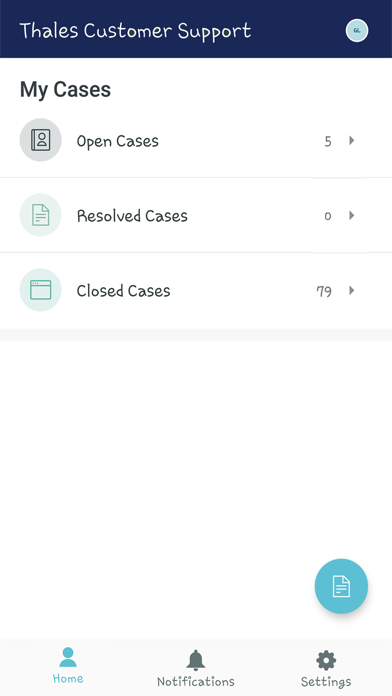
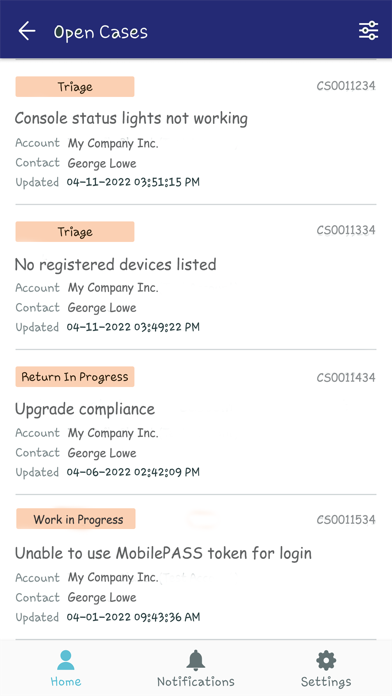
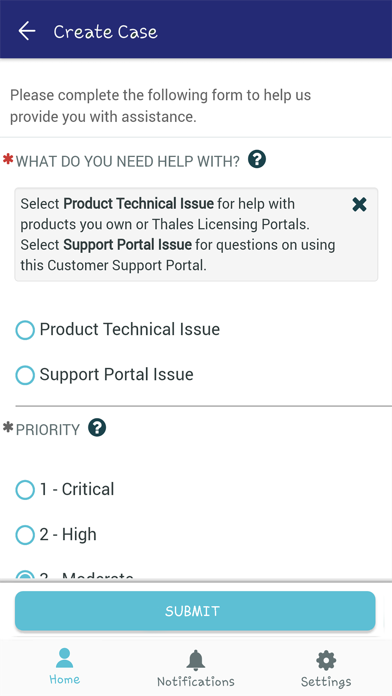
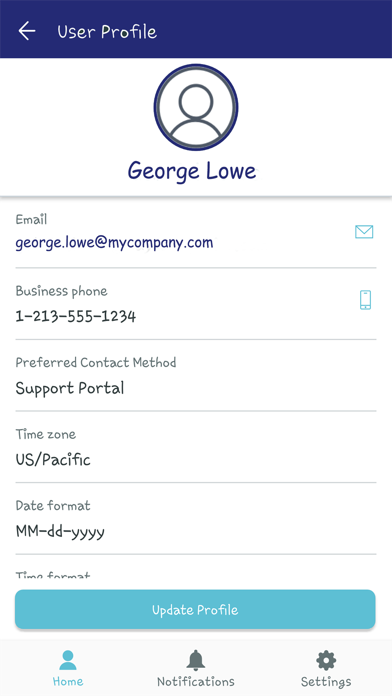
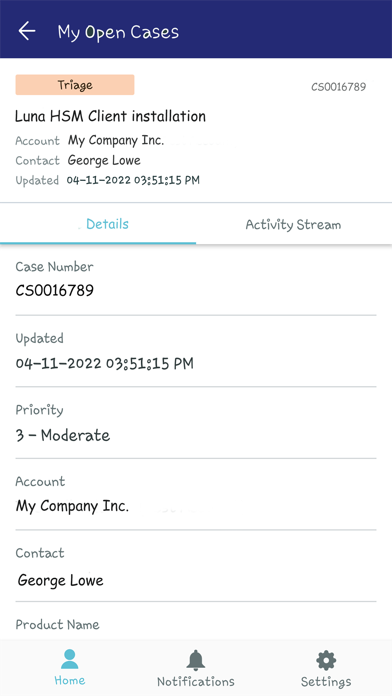
Thales’ companion mobile app to the Customer Support Portal allows registered users to create and manage support cases, track returns, and update their user profile via a mobile device. The mobile app provides basic functions that allow you to stay on top of case updates, track returns, and quickly open a new case when you cannot be connected to your computer for access to the full-featured web-based Customer Support Portal. User profile information can also be updated - including phone number, preferred contact method, date/time format, and time zone.
You must be a registered user of the web-based Thales Customer Support Portal in order to use the mobile app.
You will use these credentials to also log into the mobile app.
After installing the app, tap the Thales icon to open it.
Tap the + icon to add an Instance.
In the ‘example’ field, enter the following: supportportal.thalesgroup.com
The Nickname field can be skipped, if desired.
After the Instance has been added, tap its name in the Instances list.
On the Login page, enter your Support Portal User ID and Password and then tap the Login button.