
1st MidAmerica Cards
Access and manage your card securely
1st Midamerica Credit Union
iPhone Screenshots


Description
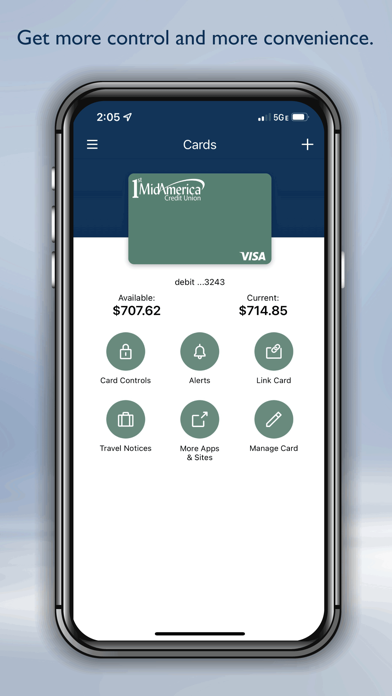
Manage card usage by setting transaction alerts and controlling spending limits. View account balances and recent transactions. Lock or unlock remotely. Transfer funds between accounts. Receive notifications for card activity and security alerts.
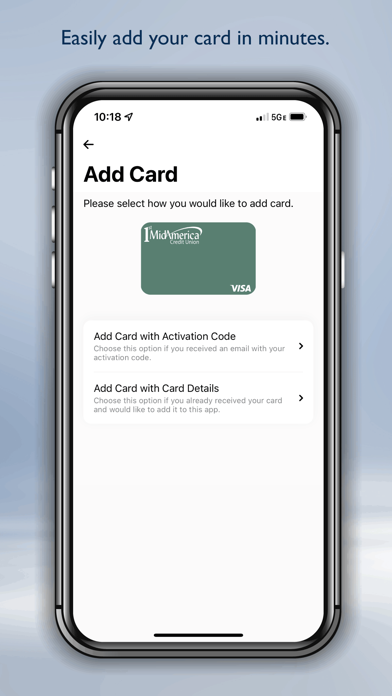
Easily and securely access and manage your 1st MidAmerica cards anytime, anywhere from your phone. For the 1st MidAmerica Cards app, you will create a new username and password. Use this app in addition to the 1st MidAmerica Credit Union app to get the most benefit out of your card.
Once you have created a new username and secure passcode for logging on, you will be able to manage how, when and where your cards are used:
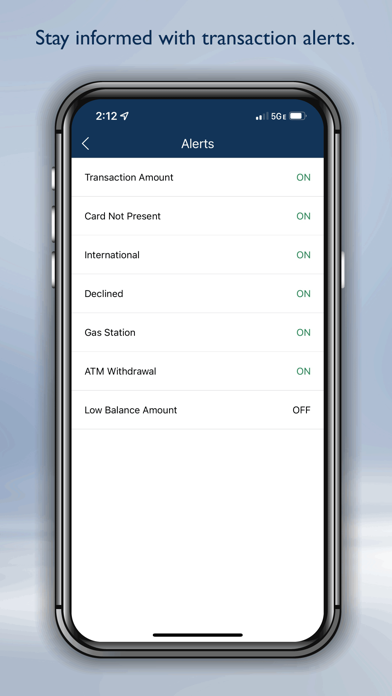
• Set up transaction alerts to notify you when your card is used, when a transactions exceeds your limits, or when a transaction is declined via email, text or push notifications.
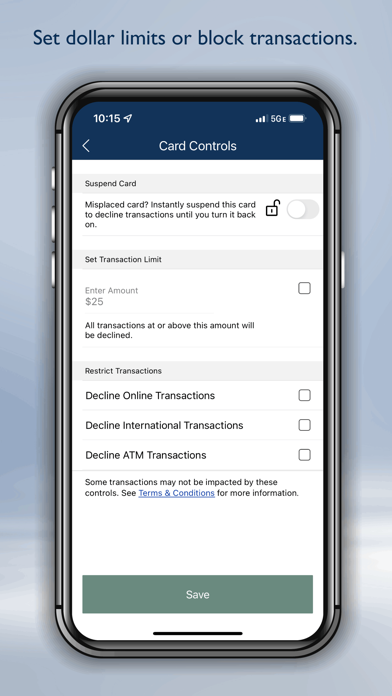
• Turn card on/off with Card Controls. When turned off, all purchases and ATM transactions will be declined until you turn on your card again.
• Set spending limits by dollar amount, merchant, categories, and more.
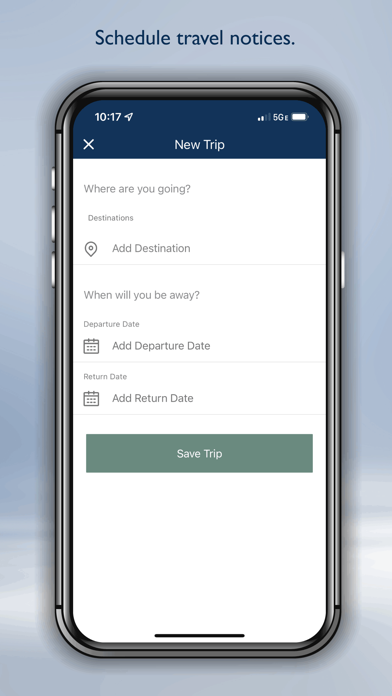
• Use Travel Notices for making purchases easier when you’re traveling.
Your security is our priority. Mobile data transmissions and account information are protected by 256-bit SSL encryption, similar to banking online.
Continued use of GPS running in the background can decrease battery life. This pertains to the use of the Location Match feature.