
Citizens Bank LC Mobile
Track transactions and set alerts
Citizens Bank of Las Cruces
iPhone Screenshots

Description
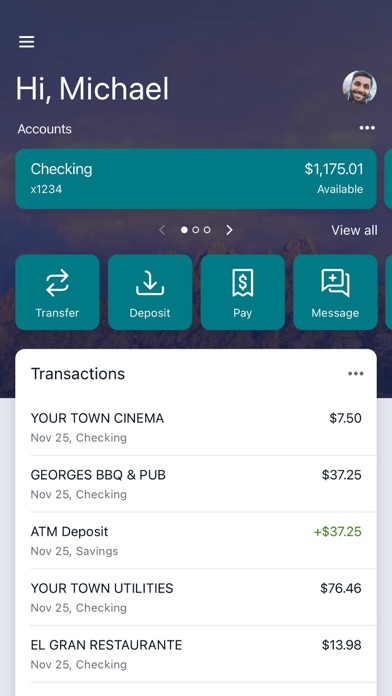
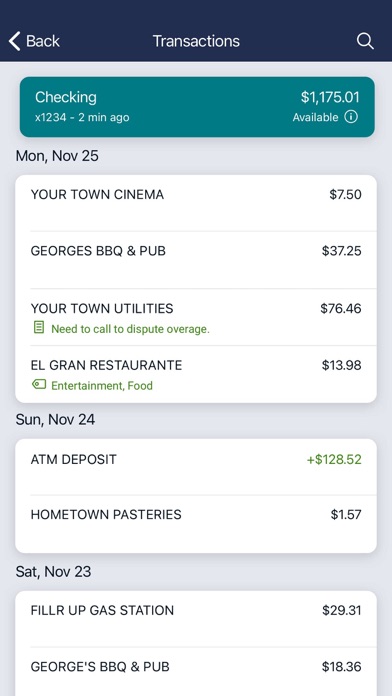
Manage finances by organizing transactions with tags, notes, and receipt photos. Set balance alerts. Make payments to companies or individuals. Transfer funds between accounts. Deposit checks via photo.
Citizens Bank LC Mobile is offered at no charge*. It is fast, secure and convenient. Here’s what you can do with Citizens Bank LC Mobile:
· Keep your transactions organized by allowing you to add tags, notes and photos of receipts and checks.
· Set up alerts so you know when your balance drops below a certain amount
· Make payments, where you’re paying a company or a friend
· Transfer money between your accounts
· Deposit checks in a snap by taking a picture of the front and back
· Reorder your debit card or turn it off if you’ve misplaced it
· View and save your monthly statements
· Find branches and ATM’s near you
Secure your account with a personal passcode or biometric on supported devices.
*There is no fee from Citizens Bank of Las Cruces. Connectivity and usage rates may apply. Contact your wireless service provider for more details.
For more information on mobile banking/mobile deposit, visit: https://www.citizenslc.com/mobile-banking
NOTE: Prior to logging into Citizens Bank LC Mobile, you will need to visit our website at: https://www.citizenslc.com, then login and create your password. You can then download the Citizens Bank LC Mobile app and be ready to start mobile banking. By downloading and using our Citizens Bank LC Mobile app, you consent to our MOBILE BANKING AGREEMENT AND DISCLOSURE, ONLINE BANKING ADDENDUM, MOBILE DEPOSIT SERVICE AGREEMENT and all other account disclosures pertaining to your existing accounts.