
iPhone Screenshots
Description
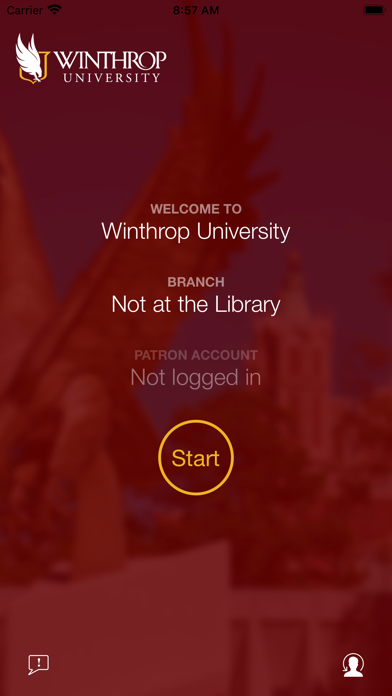
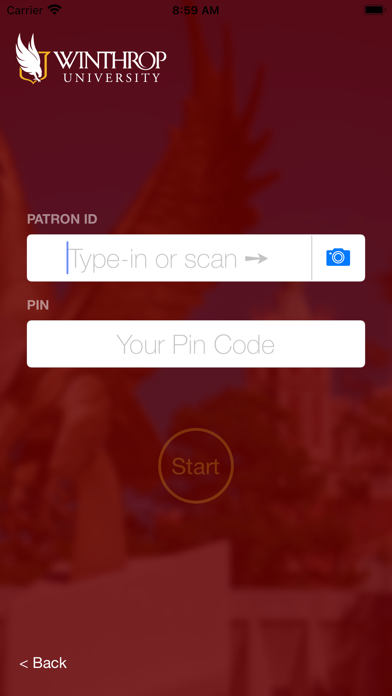
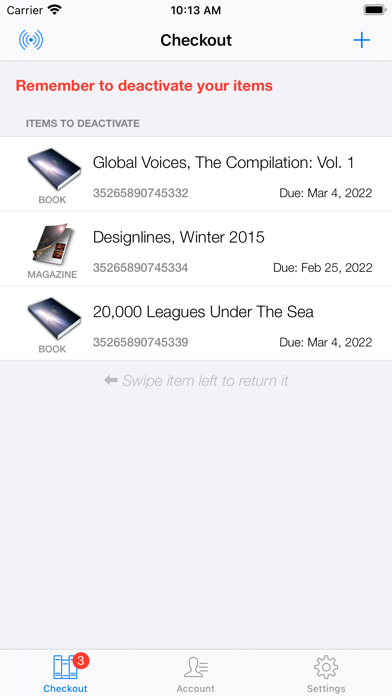
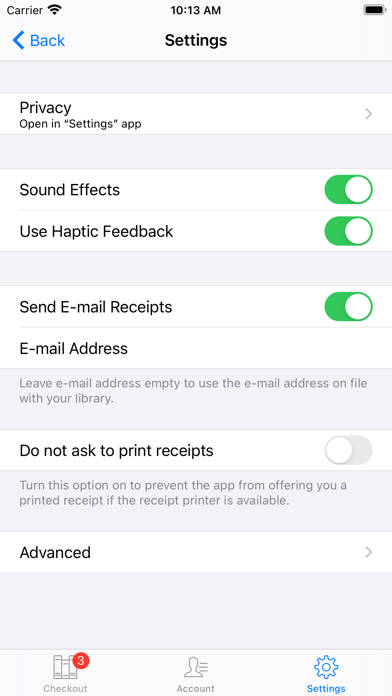
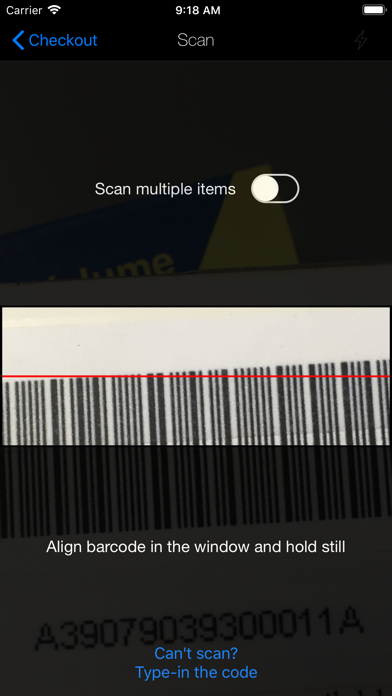
Download the Dacus Library Self-Checkout app to borrow library materials quickly and easily using only your phone. Log in with your Winthrop University credentials; scan the barcode using the camera on your device, and click "Finish." Place your selections on the kiosk near the exit to complete the process. You will receive an e-mail receipt listing your items and their due dates. As always, the User Services staff is available to assist you!