
One Click Verify
Identity with passport scan and facial recognition
Mobile Business Devices Pty Ltd
iPhone Screenshots


Description
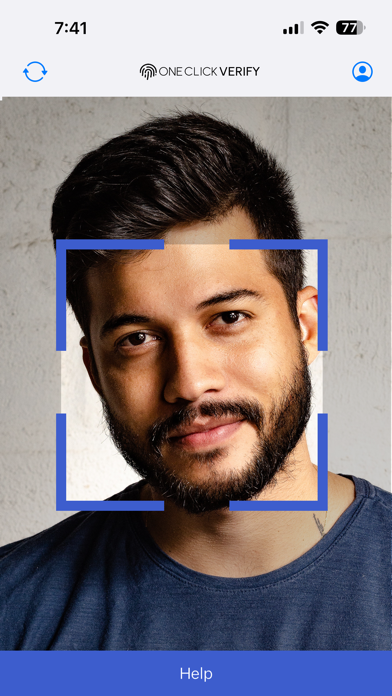
Identity by logging in and scanning passport details via camera and NFC. Perform facial recognition to complete verification process.
The One Click Verify app allows you to instantly and securely verify your identity.
STEP 1:
Simply login and click the passport button from the dashboard.
STEP 2:
Use the camera to scan your passport details then use NFC to scan your passport chip.
STEP 3:
Perform camera facial recognition test to complete the verification process.