
iPhone Screenshots


Description
feature:
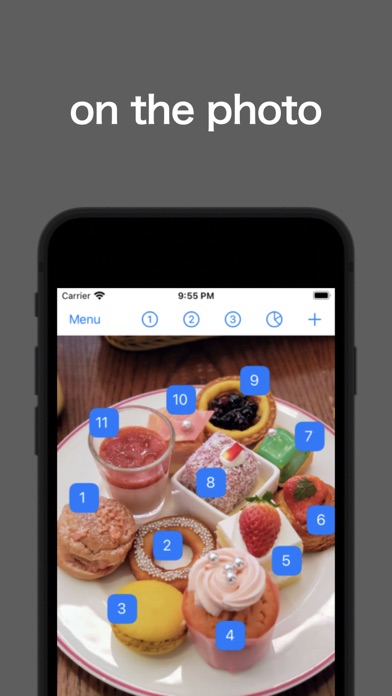
- With your favorite photo as the background, you can count anywhere you like.
- Count with 3 patterns of action.
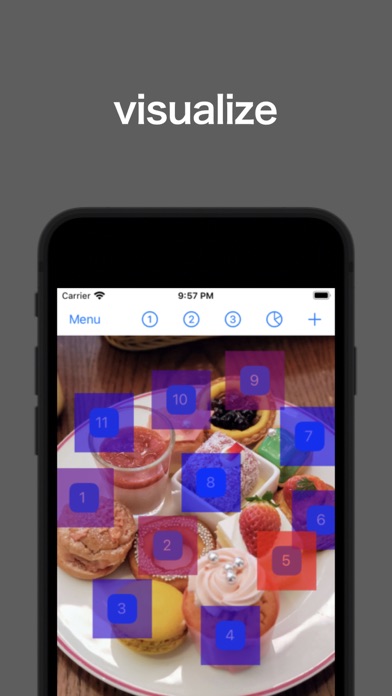
- Visualize the count results in a heatmap.
usage method:
- Select the desired image from the camera roll of the menu.
- Press [+] to add a checkpoint and drag it to the desired location.
- Tap a checkpoint to count it.
[Delete] is ON:
- Long-press to delete checkpoint.
[1.action] is ON:
- One tap on a CheckPoint will increase [1.action] by +1.
- Continuous counting function.
HeatMap:
- Press ①②③ to display the count result in heat map color.
- ①②③ are linked with the action number.