
iPhone Screenshots


Description
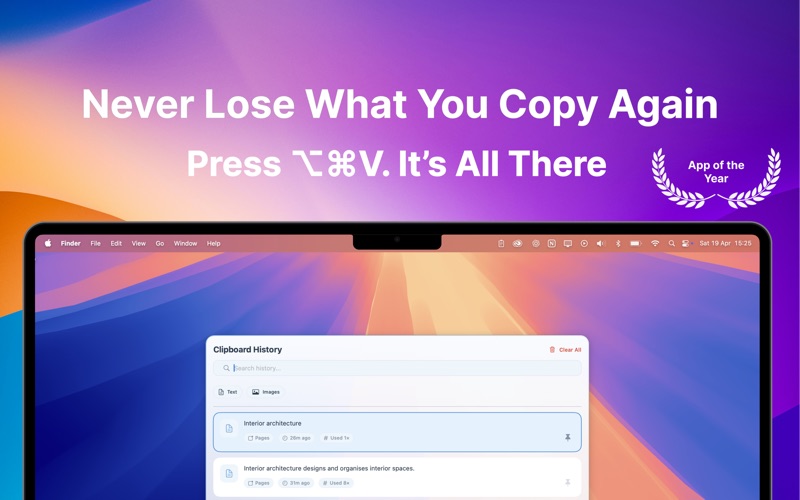
Seeing your clipboard has never been easier. Press Option‑Command‑V and boom! your entire history appears.
CopyQ stores everything you copy or cut, text, images, links, files and screenshots, in one searchable, always‑available place. It lives quietly in your menu bar until you need it.
Key Features
• Unlimited history of all clipboard content
• Blazing‑fast search with filters and tags
• iCloud sync across Mac, iPhone & iPad
• Custom hotkey to summon CopyQ anywhere
• Favorites and smart collections for your go‑to snippets
• Strip formatting or multi‑paste in one go
• Native Dark and Light mode support
Whether you’re a solo developer, content creator or power‑user, CopyQ brings every copy‑paste within reach, no hunting required. Ready to stop losing clips? Get CopyQ today.
Terms of Use: https://sites.google.com/view/talkawhile
Privacy Policy: https://sites.google.com/view/bridgesgame